
Description
Raise a colossal Moai guardian and bring Easter Island's mystery to your world.
Mod Wiki
Dum Dum
Quickstart
- Open the Equipment section of the Creative inventory and take the Dum Dum Wand.
- Travel to a large, open area with enough room for a colossal structure.
- Hold the wand and aim at the ground where you want the Moai to appear.
- Use the wand to launch its projectile. When the projectile strikes, the Moai structure is placed around the impact area.
- Wait for the structure to finish appearing block by block.
The wand fires instantly and has a short two-second cooldown. In Creative mode, it can be used without carrying ammunition.
If the wand is not available in the Creative inventory, use:
/give @s com_dum_dum_5fq4vk7h:structure_wand
Overview
Dum Dum lets you raise a colossal Moai guardian in your Minecraft world. Its main feature is a wand that places the complete Moai structure wherever its projectile lands.
The mod is designed for dramatic landmarks, island scenes, adventure maps, monuments, and world entrances. The Moai is a placed structure rather than a separate creature, so it remains where you summon it as part of the landscape.
What It Adds
- Dum Dum Wand — a Creative equipment item that launches the structure-placement projectile.
- Dum Dum Wand Projectile — travels toward the point you are aiming at and triggers the Moai placement when it hits.
- Colossal Moai structure — a large, block-built monument assembled from custom decorative blocks.
- Placement particle effect — appears when the wand successfully triggers the structure.
How To Use
Place the Moai
Hold the Dum Dum Wand and use it while aiming at a suitable location. The wand launches a visible projectile with a slight arc. When it collides with the ground or another solid surface, the Moai begins loading at that location.
For the best results:
- Aim at open ground rather than a cramped cave or building.
- Leave a large clear area around the impact point.
- Stand far enough away to see the full monument as it loads.
- Avoid firing near important builds unless you are prepared for a very large structure to appear.
The structure is assembled block by block, so placement may take a short time. Do not assume the monument is complete immediately after the projectile lands.
Aim carefully
The projectile has light gravity and travels forward from the wand, so distant shots can arc slightly. Aim at the terrain or surface where you want the placement to trigger. The projectile affects only the first target it hits.
Use the wand again
After firing, wait for the short cooldown to expire before using the wand again. Each successful shot can place another Moai, allowing you to create a row of monuments, a ceremonial avenue, or a group of guardians.
Crafting And Obtaining
Dum Dum does not provide a crafting recipe for the wand. Obtain it from the Equipment section of the Creative inventory, or use:
/give @s com_dum_dum_5fq4vk7h:structure_wand
The wand’s ammunition is handled automatically in Creative mode. Players do not need to craft or load a separate projectile before firing.
Abilities And Mechanics
- The wand launches its projectile immediately; it does not require a drawn or charged shot.
- The projectile deals no direct damage.
- Its impact triggers the Moai structure placement.
- The projectile disappears after triggering.
- A particle effect marks the activation point.
- The Moai is built from full blocks with normal collision and selection boxes.
- The placed structure can be mined like other blocks. Its blocks are also vulnerable to explosions, so protect the monument if it is part of an important build.
- The wand can be fired repeatedly, but each shot is separated by a two-second cooldown.
The mod does not provide evidence of hostile AI, movement, combat abilities, or special interactions for the completed Moai. Treat it as a monumental guardian statue and world-building centerpiece.
Progression And Strategy
Dum Dum has no recipe-based progression. Its gameplay is centered on choosing impressive locations and using the wand to create landmarks.
Good placement ideas include:
- A coastline or island shore for an Easter Island-inspired scene.
- The entrance to a base, temple, or adventure map.
- A mountain ridge or desert plateau for maximum visibility.
- A line of Moai overlooking a settlement.
- A central monument in a custom ceremonial plaza.
Because the structure is enormous, test the wand in an open area first. Once you know how much space it occupies, use additional shots to build a planned landscape around the monument.
How to install
Download the mod and follow the step-by-step installation guide.
Players also liked
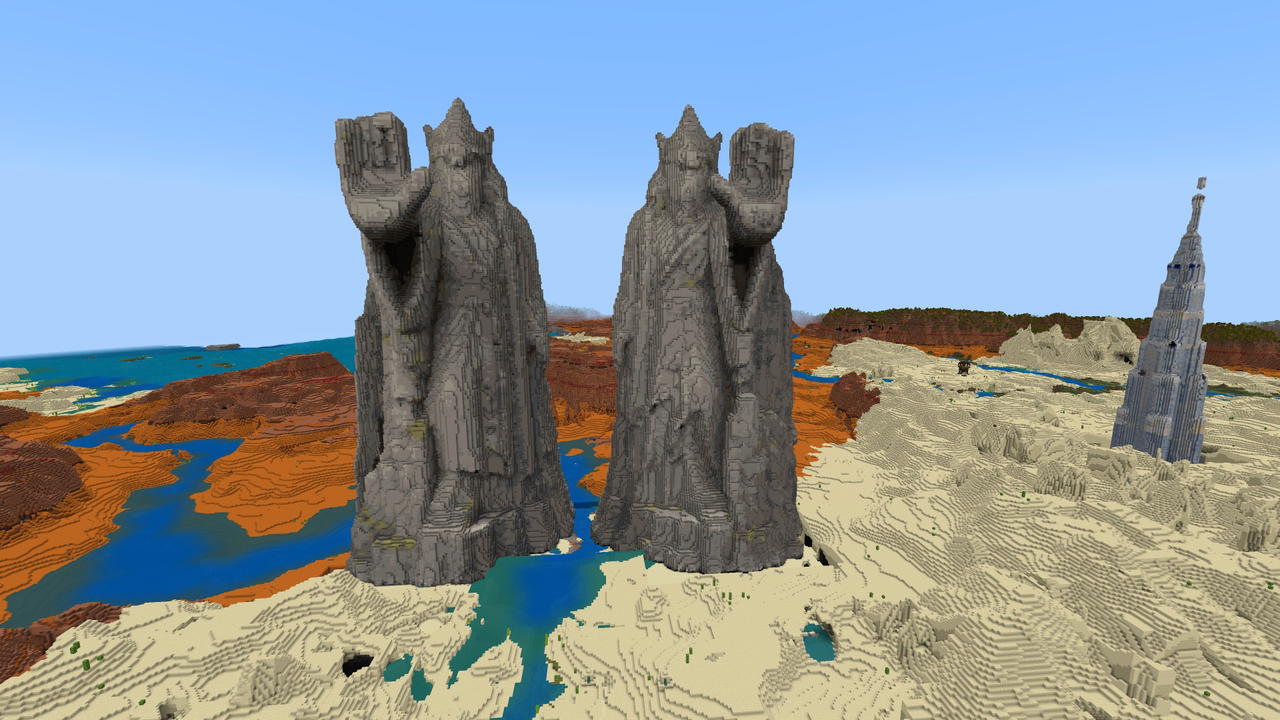
Gates Of Argonath


Not perfect, but you can make it part of your LOTR build and get the general feeling or you an do some editing to it and have it more to your liking. Pass beneath colossal guardians carved into the cliffs of a forbidden river gorge.
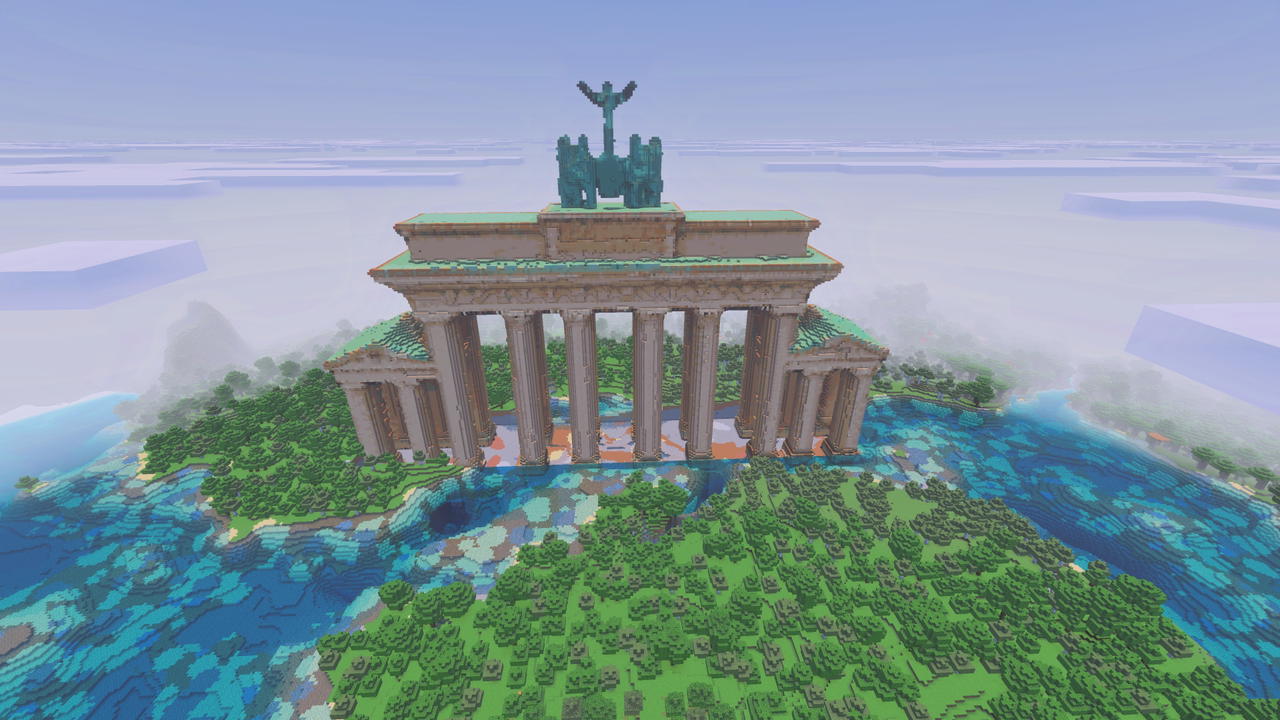
The Brandenburg Gate
Rebuild Berlin's iconic Brandenburg Gate and bring a historic landmark to life.
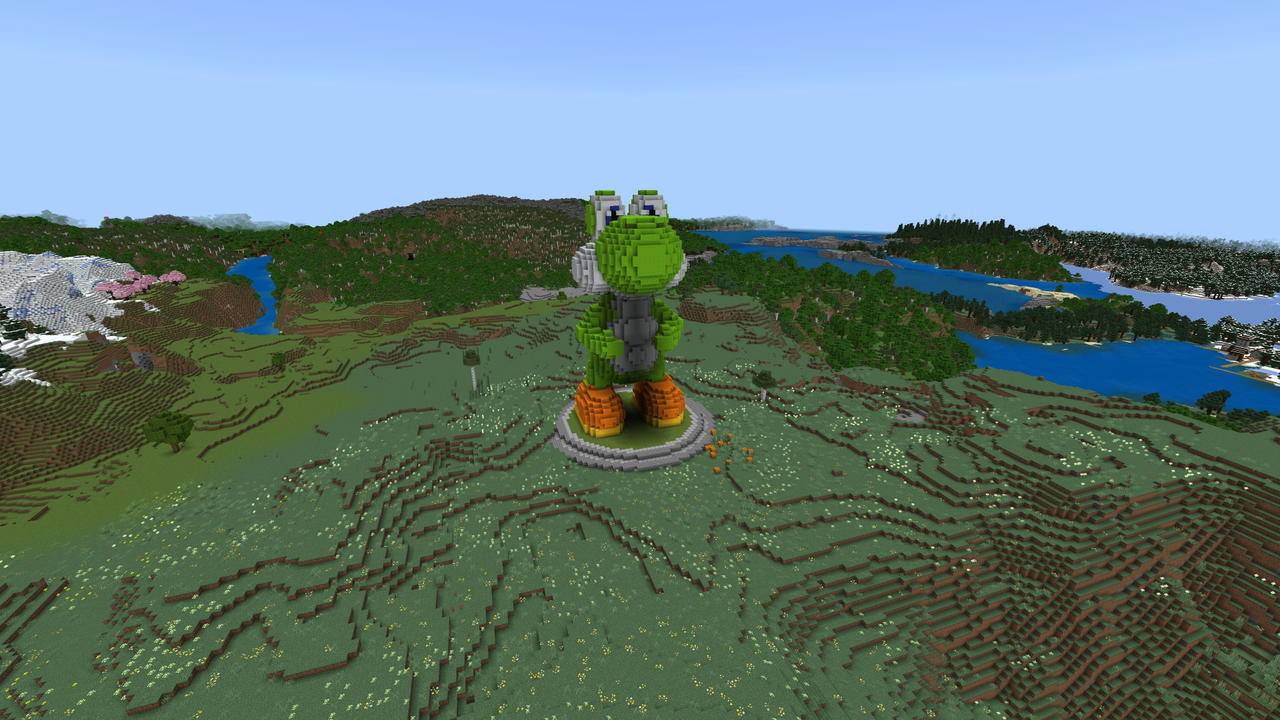
Yo Shi
Oh look, a dinosaur type creature that looks like you could ride him through a mushroom stomping adventure!

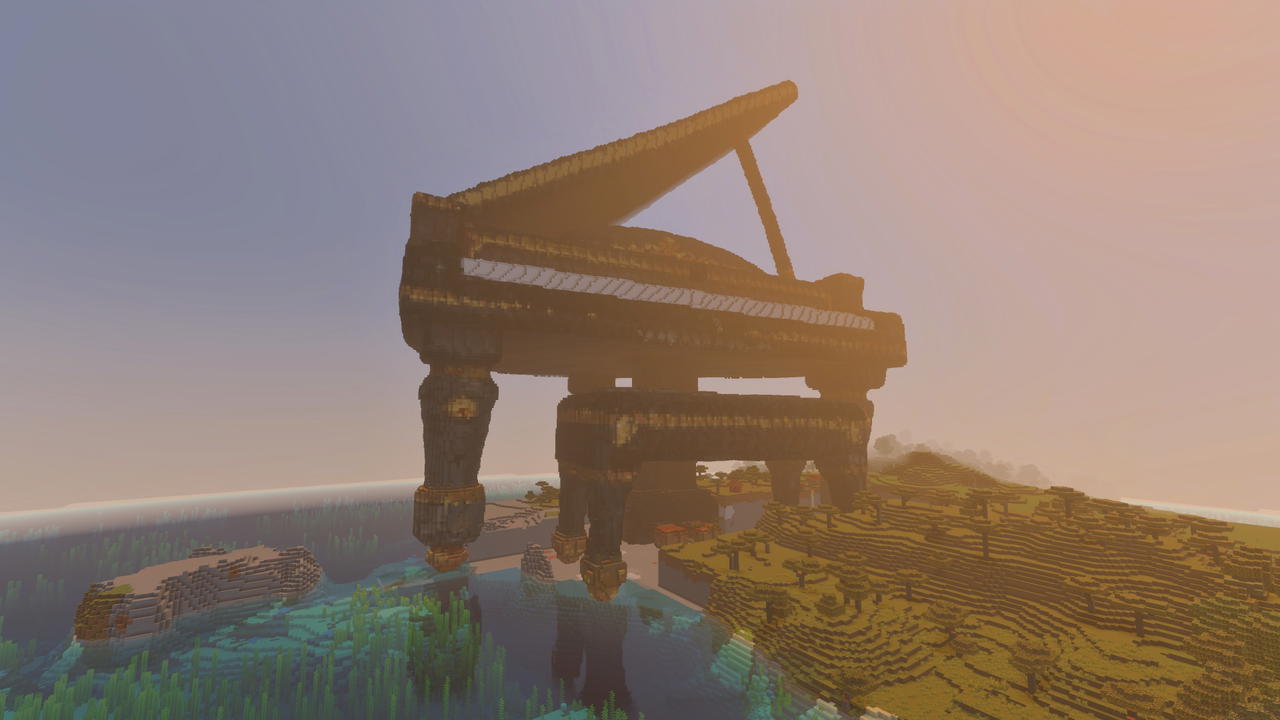
The Musical Number
Explore a colossal baby grand piano brought to life as a monumental Minecraft landmark that you can build in.
This mod is licensed under the CreativeMode Mods License.