

Description
Dig faster with a Diamond Excavator that clears a full 3×3×3 cube at once.
Mod Wiki
Diamond Excavator
Quickstart
- Craft the Diamond Excavator:



- Place it in your hotbar and use it like a pickaxe.
- Mine a pickaxe-mineable block. The mined block and the surrounding blocks in a full 3×3×3 cube are excavated automatically.
- No alternate control or activation is required—break a block normally to trigger the excavation.
In Creative mode, you can also find it in the Tools & Utilities creative inventory tab or obtain it with:
/give @s diamond-excavator-ybg23esy:diamond_excavator_ybg23esy
Overview
The Diamond Excavator is a single-item mining tool that clears a 3×3×3 area whenever you successfully mine a block with it. The cube is centered on the block you break and extends one block in every direction.
It functions as a pickaxe for blocks that are mineable with a pickaxe and does not stack.
What It Adds
- Diamond Excavator — A mining tool that excavates up to 27 blocks per successful mining action.
- The surrounding excavation includes the 26 blocks around the block you originally mined.
- Blocks that are not pickaxe-mineable are left in place.
- Air blocks, unbreakable blocks, and blocks with a negative destroy speed are skipped.
- Blocks destroyed by the excavation drop their normal items.
How To Use
Hold the Diamond Excavator and break a pickaxe-mineable block as usual. After the center block is successfully mined, the tool checks every block within one block of it along the X, Y, and Z axes.
The excavation can extend:
- One block above and below
- One block to the left and right
- One block forward and backward
Because the cube is centered on the mined block rather than aligned to the direction you are facing, use care around valuable blocks, structures, or areas you do not want to excavate.
Crafting And Obtaining
The Diamond Excavator is crafted from diamonds and sticks using the shaped recipe shown below:
Its recipe is available after joining the world. In Creative mode, it is also available from the Tools & Utilities tab.
Abilities And Mechanics
3×3×3 Excavation
Mining one valid center block can destroy up to 27 blocks total:
- The center block is mined normally.
- The other 26 positions in the cube are excavated automatically.
- Only non-air blocks that are mineable with a pickaxe are affected.
- Blocks that do not meet the excavation requirements remain untouched.
Pickaxe Function
The Diamond Excavator is recognized as a pickaxe and can be used on pickaxe-mineable blocks. It is a single-use inventory stack, so you cannot combine multiple excavators into one stack.
Progression And Strategy
- Use the excavator when clearing large areas, digging tunnels, or removing clusters of stone and other pickaxe-mineable blocks.
- Check the entire 3×3×3 area before mining near ores, builds, or utility blocks.
- Mine from the center of the area you want to clear to keep the excavation within the intended space.
- Blocks outside the cube are not affected, so make a series of carefully placed mining actions when clearing a wider area.
How to install
This Java mod can be used on Windows and Mac PCs with the CreativeMode Launcher or any Minecraft launcher of your choice.

1. Download and install the new CreativeMode Launcher

2. Click to play on the top of the screen.

3. That's it — launches instantly. No complicated setup required.
Want to use on a different launcher? Download mod and manually install.
Players also liked
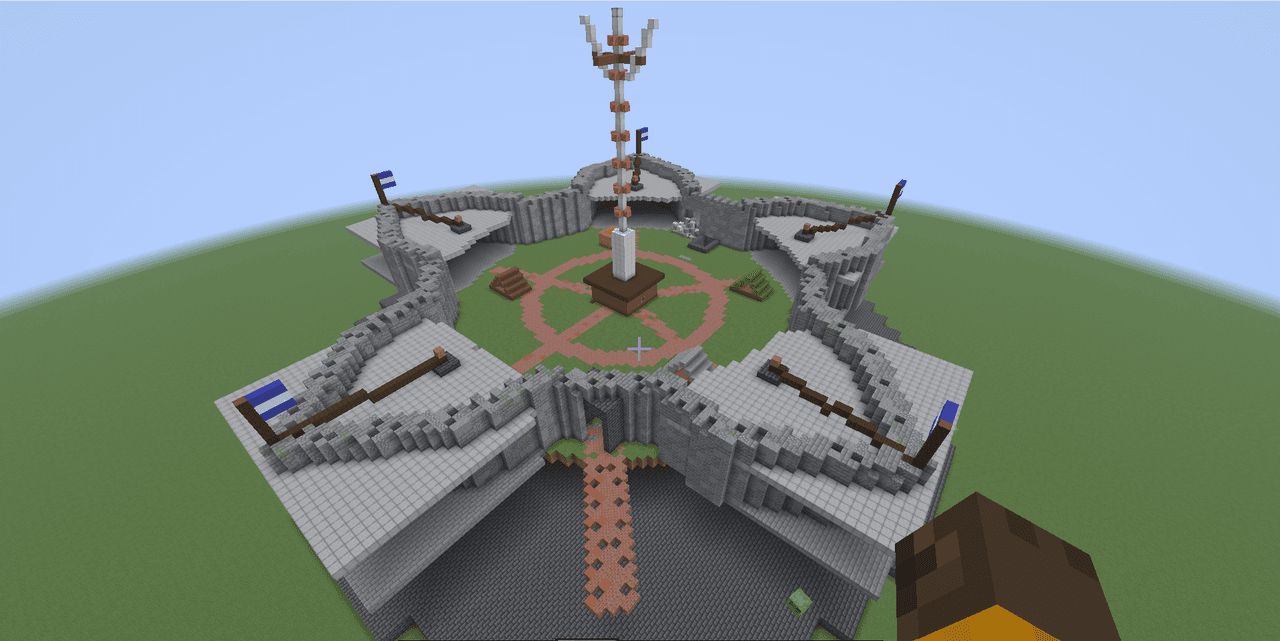
Fort independence


A pentagon stone fort with a bastion at each point, with a grass courtyard with a brick path that goes through it add a basement that is tunnels with storage rooms in each tunnel that connects the north bastion with the south bastion
Earthshaper Toolkit


Terraform landscapes with powerful tools for mining, farming, tree-felling, and carving canals.
Forged in Style

Weapon trims. Trim axes, tridents, maces, spears, swords, and shields in the smithing table.



This mod is licensed under the CreativeMode Mods License.