

Description
Survive deadly colors with title alerts, timers, and spinning sound effects!
Mod Wiki
Color Wheel Survival
Quickstart
- Load into a world with this pack active — no crafting or item pickup required, the game starts automatically.
- Watch the bottom action bar. It always shows the current round timer and phase.
- When the wheel spins and announces a color, immediately figure out which blocks count as that color.
- During the "leave" and "avoid" phases, make sure you are not standing on or touching any block of the announced color.
- If you get caught touching the wrong color, you take massive damage — treat it as instant elimination.
Overview
Color Wheel Survival turns your world into a repeating survival minigame. On a timer, an invisible "color wheel" spins and lands on a color. A short grace period lets you get away from that color's blocks, then a danger period begins — anyone still touching that color is eliminated. Everything you need to know is delivered through on-screen titles, an action bar timer, and sound cues, so no items or setup are needed to play.
What It Adds
- An automatic, self-running round cycle with no configuration needed.
- A persistent action bar timer showing the current phase and time remaining.
- Big on-screen title announcements when a color is chosen.
- Distinct sounds for when the wheel starts spinning and when a color is finally chosen.
- A helpful hint title that shows the color category of whatever block you're currently holding, so you can plan ahead.
How To Use
The round cycles through four phases automatically:
- Waiting – The action bar shows a countdown to the next spin (
Next spin: Xs). Use this time to explore or gather blocks. - Spinning – A "COLOR WHEEL" title appears with a spinning sound while the wheel decides on a color.
- Grace – Once a color is chosen, a large title announces it (e.g. "Color chosen! Leave Red blocks."). The action bar counts down under
Leave <Color>: Xs. This is your window to move away from that color's blocks. - Danger – The action bar switches to
Avoid <Color>: Xs. Anyone touching a block of that color during this phase is eliminated with heavy damage.
After danger ends, the cycle returns to waiting and repeats.
Held Item Hints
Whenever you switch your held item, a small title pops up showing which color category that block or item belongs to (for example, holding a block shows "Colors: Pink" or "Colors: Blue"). Use this to quickly check whether something in your hand is dangerous before you place or stand near it.
Abilities And Mechanics
- Color detection: The game checks the blocks you're physically touching (standing on, inside, etc.) against a list of color groups. Common building blocks (wool, concrete, terracotta, glass, planks, and similar) are grouped by their visible color.
- Violet/Pink: Blocks in the "Violet" wheel segment are shown to players as "Pink" in hints and titles, since that's the more familiar name — but they're still eliminated under the Violet round.
- Elimination: Touching the active danger color during the danger phase deals 1000 damage — effectively an instant kill regardless of armor or health.
- Persistence: The round phase and timer are saved, so the game picks up where it left off even after restarting the world.
- Multiplayer: All players see the same timer, titles, and chosen color simultaneously — everyone is racing to avoid the same color at the same time.
Progression And Strategy
There's no crafting or gear progression — the challenge is purely about awareness and movement:
- Use the waiting phase to scout open ground with a mix of block colors nearby.
- During grace, quickly relocate off of any blocks matching the announced color.
- Keep an eye on your held item hints so you don't accidentally place or stand on a dangerous color.
- In multiplayer, consider building a shared "safe" area with neutral materials (like plain stone or dirt) that rotate safely across every color round.
- Since colors repeat over many rounds, learning which blocks belong to which color group (e.g. quartz and snow as White, obsidian and coal blocks as Black) will help you react faster each round.
How to install
Download the mod and follow the step-by-step installation guide.
Players also liked
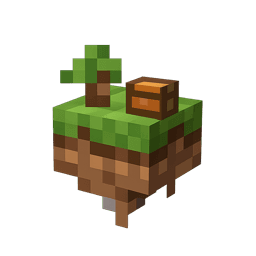
Skyblock World


Skyblock World Sword lets you summon a miniature floating island on demand—use the item to create a 5×5 grass platform 10 blocks above you, complete with a young oak tree and a chest of starter supplies. Striking mobs while holding it grants you a brief levitation and slow-fallin…

Fantasy Islands

Fantasy Islands - I bring you the new flying islands with loads of resources to mine... now you have to figure out how to get up there. The craftable Sky Compass brings up a menu allowing you to choose from 11 geometric shapes for your island and then at the press of a button (so…
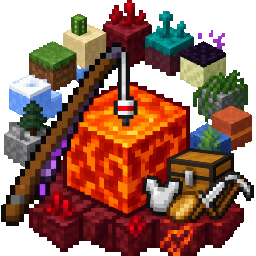
Lava Oneblock Angler


full oneblock but the oneblock is a lava block that u have to fish with an unbreakable fishing rod that you start with make this in a void world with a little platform to stand on while fishing make a nether themed island with a starter chest of 64 food and iron armor and tools a…
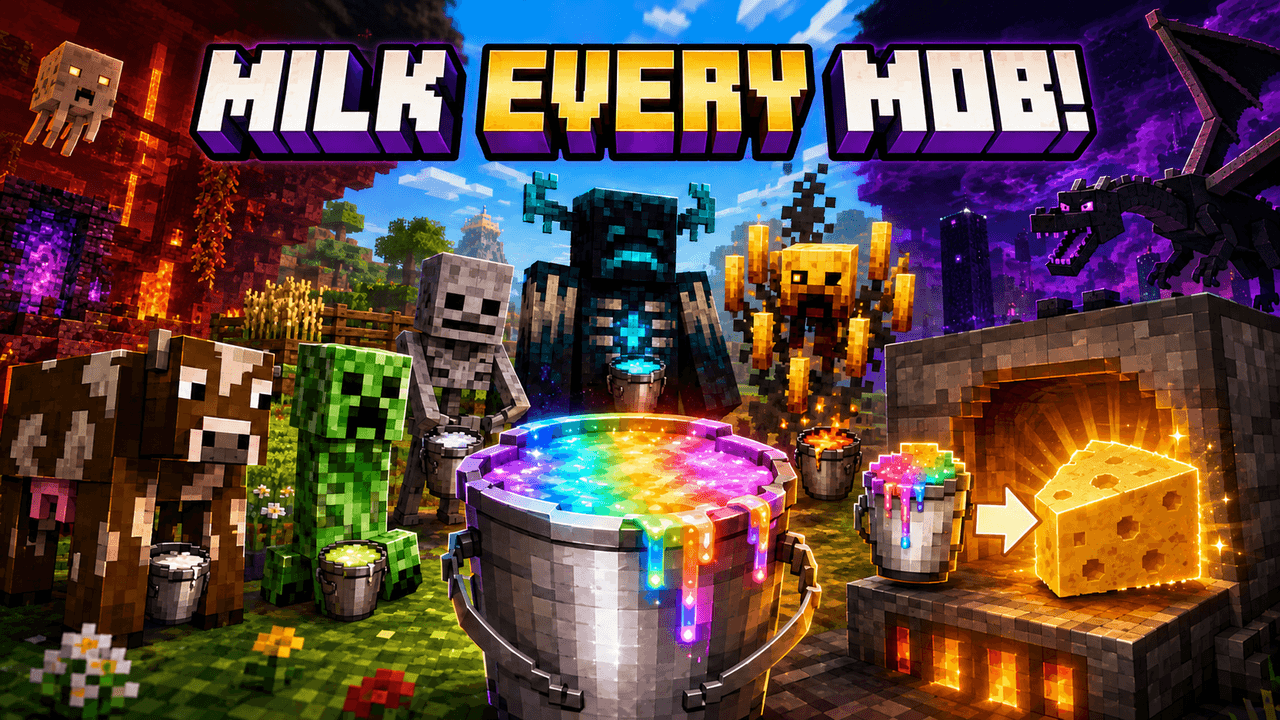
MILK THEM MOBS

You can now milk all of the mobs, and smelt their milk in a furnace to make mob specific cheese. Collect mob cheeses and flex on your friends you managed to milk a Warden, Creeper, ETC. Treat this as a collector mini-game! Eat the cheese... I dare you. Featuring 84 new milks, (mi…
This mod is licensed under the CreativeMode Mods License.