

Description
beach condo covered in black tentacles
Mod Wiki
Blacktide Beach Condo
Quickstart
- Open the Creative inventory and search for Structure Wand.
- Place the wand in your hotbar and aim at a block surface where you want the condo to appear.
- Use the wand. It launches a projectile toward your crosshair; when it hits, the beach condo is placed at the impact point.
- Face the direction you want the condo oriented before using the wand. The structure follows your facing direction.
- Allow the build to finish before placing several more structures. Large placements are processed over time and may be queued.
The Structure Wand has a 3-second cooldown and can be reused. It does not require a crafting recipe.
Overview
Blacktide Beach Condo adds a single large structure: a beach condo covered in black tentacles. The condo is generated directly into the world rather than obtained as a placeable block or item.
The structure can be created with the reusable Structure Wand or, in singleplayer, with the structure build command.
What It Adds
- Blacktide Beach Condo — the mod's tentacle-covered beach condo structure.
- Structure Wand — launches a placement projectile that generates the condo.
- Structure Wand Projectile — the visible projectile fired by the wand.
- Colored Voxel — a special color-capable block used for custom-colored structure details.
How To Use
Structure Wand
Hold the Structure Wand and use it to fire. The projectile travels in the direction you are looking and places the condo when it collides.
For predictable placement:
- Aim at a clear block surface.
- Stand far enough away to see the intended impact point.
- Face the desired cardinal direction before firing.
- Leave enough open space for the full structure.
- Wait for the placement to complete before starting another large build.
The wand automatically chooses a scale aimed at a maximum structure size of about 128 blocks, without enlarging the condo beyond its full size.
Structure Commands
The mod provides client-side commands for inspecting and building loaded structures.
List the available structures:
/structure list
Build the condo at full size in singleplayer:
/structure build blacktide_beach_condo
Build it with a target maximum dimension between 16 and 256 blocks:
/structure build blacktide_beach_condo <size>
For example:
/structure build blacktide_beach_condo 64
The command places the structure at your current position and orients it according to your facing direction. A requested size larger than the condo's full dimensions does not enlarge it. The build command is intended for singleplayer; use the Structure Wand when placing the condo through normal world interaction.
Crafting And Obtaining
There are no crafting recipes for this mod.
In Creative mode, obtain the wand from the Creative inventory by searching for Structure Wand. With commands enabled, you can obtain it with:
/give @s blacktide-beach-condo-kpfaqzfp:structure_wand
The condo itself is generated with the wand or the singleplayer structure command rather than crafted.
Abilities And Mechanics
- Projectile placement: The wand fires a visible projectile instead of placing the structure instantly at the player's feet.
- Impact-based generation: The condo is created at the projectile's collision position.
- Player orientation: Your facing direction determines the structure's orientation.
- Reusable tool: The wand is not consumed, but it has a 60-tick cooldown between uses.
- Queued construction: Large structures are placed progressively. If several builds are started, they wait in a placement queue.
- Queue limit: Up to eight structure placements can be queued at once. If the queue is full, wait for an earlier build to finish.
- Custom-colored blocks: Colored Voxel blocks retain their individual colors as part of the generated structure.
Progression And Strategy
Blacktide Beach Condo has no item-based progression. Treat the Structure Wand as a creative building tool and experiment with placement in a prepared coastal area.
For the best results:
- Flatten or clear a beach-sized building site first.
- Keep the condo away from important builds, since its large footprint can occupy substantial space.
- Use
/structure listto confirm the available structure name before using the build command. - Start with a smaller command size when testing placement.
- Use the full-size wand placement once you have chosen the final location and orientation.
- Watch for the placement feedback and let queued construction finish before issuing more builds.
How to install
This Java mod can be used on Windows and Mac PCs with the CreativeMode Launcher or any Minecraft launcher of your choice.

1. Download and install the new CreativeMode Launcher

2. Click to play on the top of the screen.

3. That's it — launches instantly. No complicated setup required.
Want to use on a different launcher? Download mod and manually install.
Players also liked
Barbed Batcraft


Craft bizarre survival gear, explosive weapons, barbed wire, and powerful baseball bats in a chaotic Minecraft expansion.
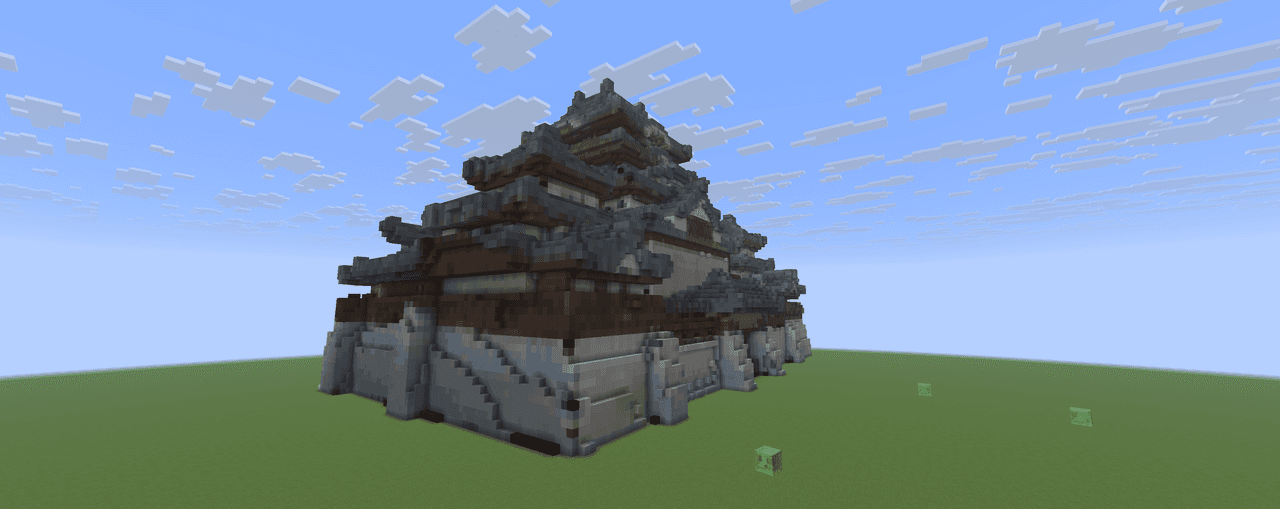
Japanese Castle


Traditional Japanese castle with a multi-tiered main keep (tenshu) on a raised stone foundation, white plaster walls with exposed wooden beams, sweeping tiled roofs with curved eaves and ornamental roof finials (shachihoko), multiple smaller towers and watchtowers, fortified gate…
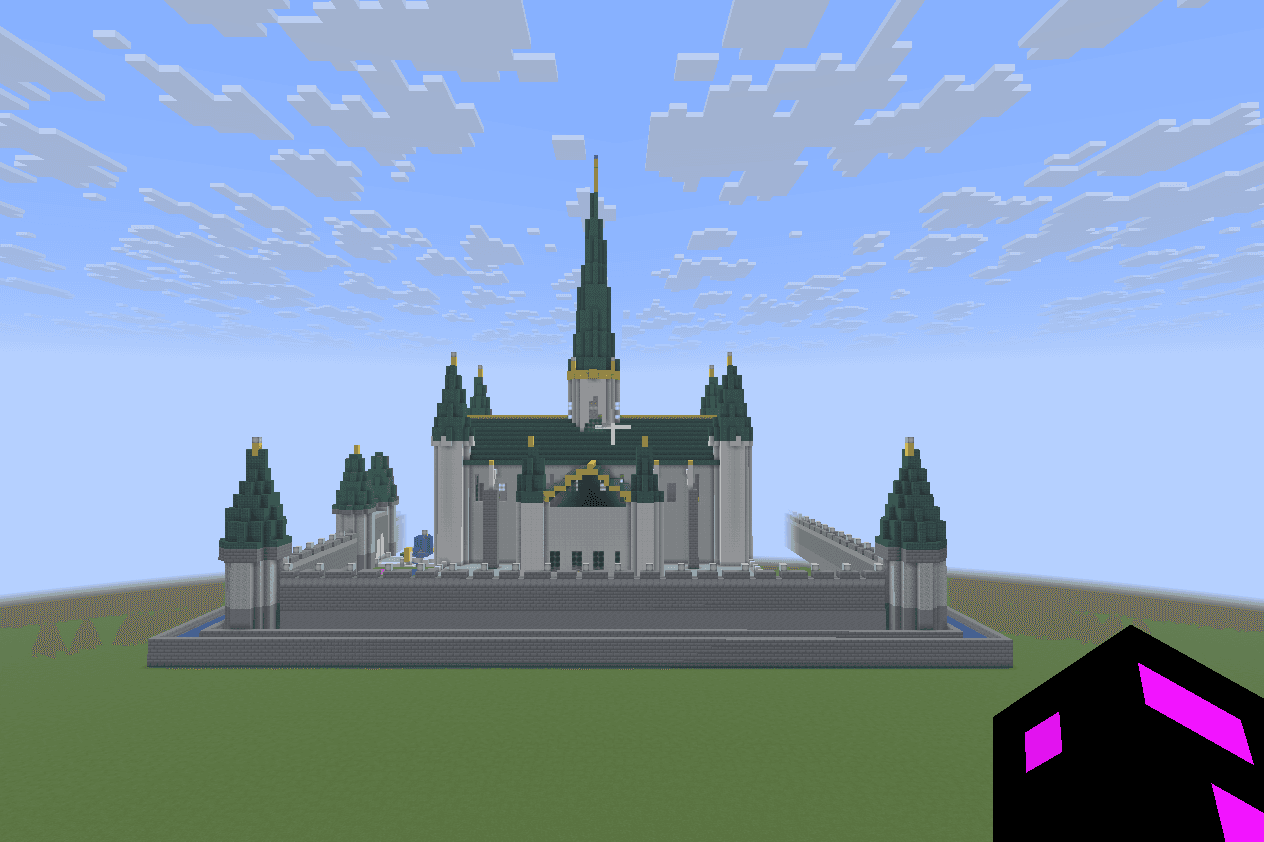
Mega Castle


Overall Structure (500×500 footprint) Outer walls & towers Curtain wall: Polished Andesite base, Andesite Bricks upper courses, capped with Andesite Wall crenellations Corner towers (5, one at each corner + center-front): conical roofs using Dark Oak Stairs spiraling to a point,…
This mod is licensed under the CreativeMode Mods License.