

Description
Empty CreativeMode starter project now adds a playable beehive interior system: right-click any beehive or bee nest with a normal stick to be teleported into a linked honeycomb pocket room (the mod creates or reuses a persistent interior for that specific hive). Inside you’ll see invulnerable, labeled display bees that reflect the hive’s stored bee count, and you can place, break, and rearrange blocks just like in the overworld—changes to each hive’s interior persist. To return, right-click any block inside that linked room with a stick and you’ll be teleported back outside to the original beehive.
Mod Wiki
Beehive Insideout Stick
Quickstart
- Pick up a plain Stick (crafted normally or found in chests — no special item is added by this mod).
- Find any Beehive or Bee Nest in the world.
- Right-click the hive with the Stick in your hand.
- You will be teleported into that hive's private pocket room. Explore, build, and look at the display bees inside.
- When you want to leave, right-click any block in the room with your Stick. You'll be sent back to the outside of the original hive.
Overview
Beehive Insideout Stick turns every beehive and bee nest in your world into a doorway to its own miniature interior. Each hive gets a persistent pocket room that only it is linked to. You can furnish and decorate the interior however you like, and your changes are saved permanently — they will still be there the next time you enter that specific hive.
What It Adds
- Hive Pocket Rooms — Every beehive or bee nest in the world has a unique, persistent interior room approximately 8 × 6 × 8 blocks in size.
- Display Bees — Invulnerable, floating bees inside the room that reflect how many bees are currently stored in that hive. Each one is labeled "Bee stored in hive" and will not attack or move on their own.
- No new items or blocks — The only tool you need is a plain Stick already in the game.
How To Use
Entering a Hive
Hold a Stick and right-click a Beehive or Bee Nest. The mod teleports you into that hive's linked pocket room. A message confirms how many bees are inside:
"You slip through the honeycomb walls into this hive. Bees inside: X. Right-click any inside block with a stick to leave."
Inside the Pocket Room
- The room spawns with a small decorative layout including yellow carpet and oak planks.
- You can place, break, and rearrange blocks freely, just as you would in the overworld.
- All changes persist — each room is permanently saved per hive.
- Floating display bees show how many bees live in that hive at the moment you entered. They are invulnerable and have no AI, so they won't disturb your building.
Exiting the Hive
Hold a Stick and right-click any block while inside the pocket room. You will be teleported back to just outside the original beehive (one block to the south, or one block above if that space is occupied).
"You climb back out of the beehive."
Abilities And Mechanics
| Feature | Details |
|---|---|
| Entry tool | Plain Stick (vanilla item) |
| Exit tool | Plain Stick, right-click any block in the room |
| Room persistence | Each hive has its own saved room; layouts survive server restarts |
| Display bees | Count matches bees stored in hive at time of entry; invulnerable, no AI |
| Building inside | Full block placement and breaking, same as the overworld |
| Return location | South face of original hive, or top face if south is blocked |
| One room per hive | Re-entering the same hive always takes you to the same room |
Progression And Strategy
- Use hive interiors as secret storage rooms or hidden bases — each one is completely separate and tucked away from the main world.
- Farm or gather many beehives to gain more pocket rooms you can dedicate to different purposes (storage, crafting, decoration).
- The display bee count gives you a quick visual on hive population without needing to check hive data directly.
- Because rooms persist and are fully buildable, you can set up permanent mini-bases linked to hives placed at strategic locations in your world.
How to install
This Java mod can be used on Windows and Mac PCs with the CreativeMode Launcher or any Minecraft launcher of your choice.

1. Download and install the new CreativeMode Launcher

2. Click to play on the top of the screen.
3. That's it — launches instantly. No complicated setup required.
Want to use on a different launcher? Download mod and manually install.
Players also liked
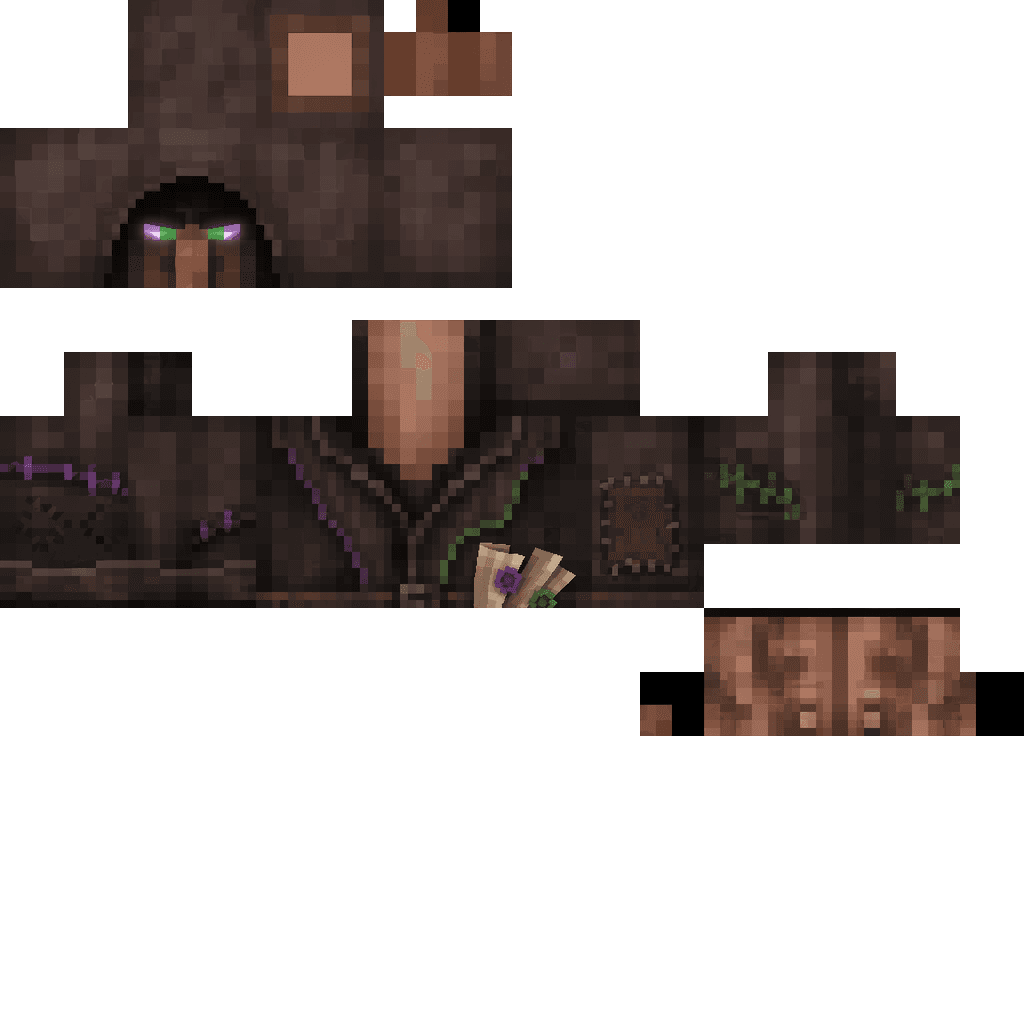
Shady Dealings


Right-click the Counterfeit Trade item once its in your hand to consume it and summon a hooded Shady Dealer villager who immediately opens a randomized merchant screen offering 3–5 shady trades that swap common junk for valuables; right-click the dealer to reopen and reroll his o…
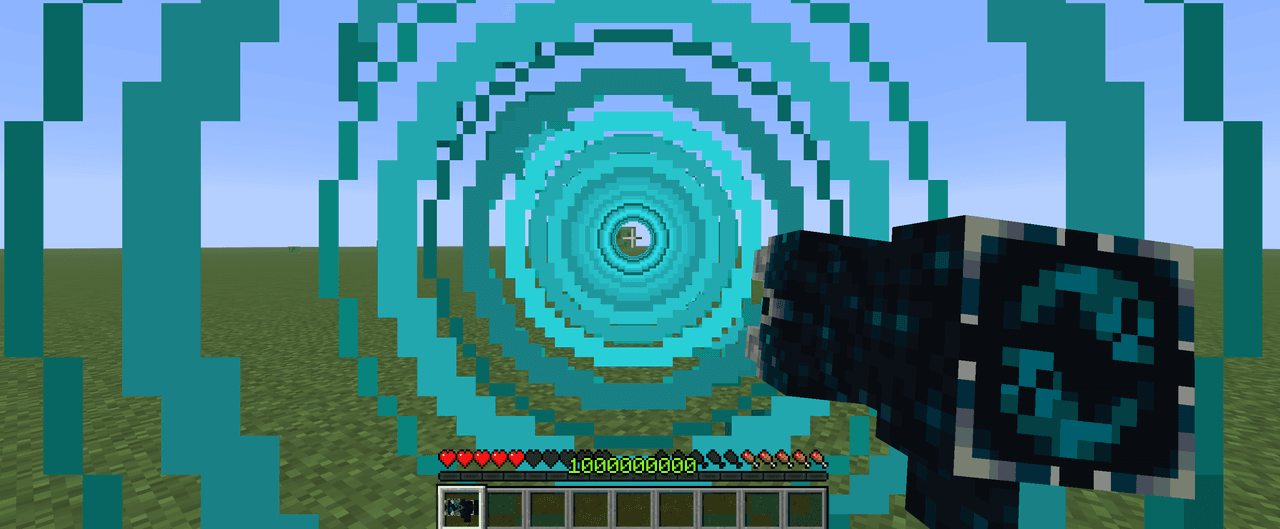
Sonic Boom Gun


Fire a Sonic Boom Gun to blast foes and shatter fragile blocks with a 25-block beam. hi this gun was not designed by creative mod it was designed by me i really love making stuff and this is one of them i had this idea for a couple of months but i just didnt make it for some reas…
Underworld Cross mod
 anon
anon
explore minecraft with the underworld cross mod. discover new entities, craft new item, fight bosses, and banish mobs and players to the underworld using the underworld crosses.
The valley civilization {horror}


Explore the Pool Rooms, Backrooms, and an impossible resort—then find the door home.

Olympus

Hey y'all! Explore Olympus, a majestic, golden sky-world composed entirely of sweeping, floating quartz islands and solid, walk-on cloud blocks suspended high above the mortal realm. Heavily based on Rick Riordan's legendary book series, this divine dimension is bathed in an eter…
This mod is licensed under the CreativeMode Mods License.