February 13, 2026
4 downloads


No description provided.

By awesomenaut11
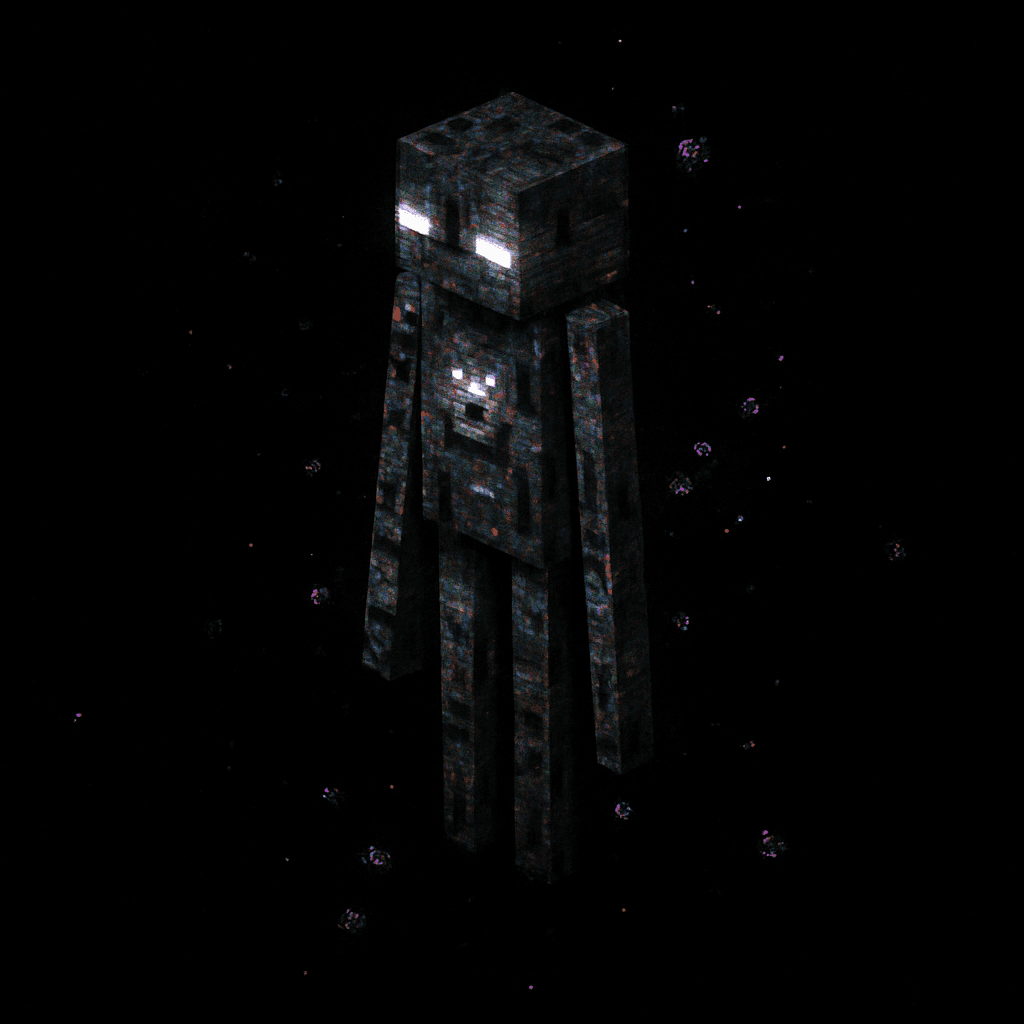
The Glitch Stalker is a nightmarish entity that resembles an Enderman but with severe digital corruption. Its tall, slender body appears to be constantly shifting and distorting, pixels and fragments of its form occasionally separating and reattaching in unnatural ways. The creature's limbs sometimes stretch to impossible lengths or briefly disappear altogether. Its normally purple eyes flicker between different colors, occasionally splitting into multiple glowing points before reforming. The Glitch Stalker's body seems to be partially phasing in and out of reality, leaving behind brief visual artifacts and digital noise.\n\nUnlike traditional Endermen that become aggressive when looked at, the Glitch Stalker employs an inverse and more terrifying hunting strategy. When a player turns their back on this entity, it begins to move toward them, covering distance with increasing speed. If the player turns to look at it, the Glitch Stalker freezes in place, sometimes in mid-animation, creating an unsettling statue-like appearance. This creates a horrifying game of \"Red Light, Green Light\" where the player must constantly check behind them while also trying to escape, knowing that every glance allows the creature to remain motionless but visible, while every moment looking away gives it the opportunity to close the distance.

By soularcher6758
OP Fishing Rod is a supercharged fishing rod that only works when you aim at water: use it while targeting a water block to send a hook that creates a visible particle line to the splash point and a small bubble splash on impact. Using it while not aimed at water shows a message; if the hook or splash leaves the water the attempt is canceled and you receive a retry message, while successful catches use the original 2-second cooldown, play the use sound, and reward OP loot like diamonds, blaze rods, and Nether Stars. The crafting recipe has been simplified so you no longer need a Nether Star to make the rod.

By kylhcr34
When you join a world you receive an Enchanter’s Tome—hold and use it to open a simple GUI where you can spend Lapis Lazuli to add, remove, or randomly roll multiple custom enchants onto the item in your hand. Choose from powerful combat effects (lifesteal, ignite, lightning strikes, poison, AOE splash, execute, etc.), passive armor buffs (speed, night vision, fire‐proofing, water breathing, jump boost, resistance) or tool perks (auto-smelt, extra ore drops). Once applied, your enchanted gear carries these abilities automatically in-game, with each enchanture stored in the item’s lore and activating seamlessly as you play.

By supernobot
The X-Ray Device scans a 15‑block horizontal radius (Y -64 to Y 16) for diamond_ore and deepslate_diamond_ore and then opens a simple UI listing exact x y z coordinates for every ore found (no blocks are changed), finishing with a subtle glass sound. Equip the X‑Ray Device and use it (right‑click / tap‑and‑hold) to start a scan; the device is unbreakable and enforces a 30‑second cooldown — if used too early it shows the remaining time in seconds (e.g., “0m 22s”). Make sure both the resource and behavior packs are enabled with the resource pack loaded above the behavior pack before using the device.