

Description
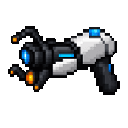
Link surfaces with twin portals and step through to emerge somewhere new.
Mod Wiki
Twin Portal Gun
Quickstart
Craft or obtain the Twin Portal Gun, then hold it and use it while aiming at a block face with room beside it. The first portal is blue; aim somewhere else and use the gun again to place the amber portal. Step through either portal to emerge from the other.
In Creative Mode, look for the gun in the Combat tab. To craft one:


Overview
The Twin Portal Gun links two portal endpoints in the same dimension. Portals are non-solid, and either one can be used to travel to the other.
What It Adds
- Twin Portal Gun — a single-stack item for placing portals.
- Blue Portal and Amber Portal — the paired endpoints created by the gun.
How To Use
- Aim at a block face and use the gun. The portal appears in the space just beyond the face you targeted.
- Aim at another face with a clear space beside it and use the gun again to place the other color.
- Walk through either portal to teleport to its partner.
The gun needs to hit a block within range; aiming into open air will not place a portal. The space where a portal would appear must be air or replaceable, and the two endpoints cannot occupy the same space. Leave room around both portals to enter and exit safely.
Crafting And Obtaining
The shaped recipe makes one Twin Portal Gun. Its ingredients are iron ingots, a diamond, ender pearls, and redstone; see the recipe above for the layout.
Abilities And Mechanics
- Portal colors alternate with each successful placement, starting with blue.
- Placing a color again moves that endpoint, replacing its previous location.
- Portal pairs are tracked separately in each dimension.
- Entities that enter an active portal are sent to the paired endpoint. Each portal’s facing determines the side where travelers emerge.
How to install
This Java mod can be used on Windows and Mac PCs with the CreativeMode Launcher or any Minecraft launcher of your choice.

1. Download and install the new CreativeMode Launcher
2. Click to play on the top of the screen.
3. That's it — launches instantly. No complicated setup required.
Want to use on a different launcher? Download mod and manually install.
Players also liked
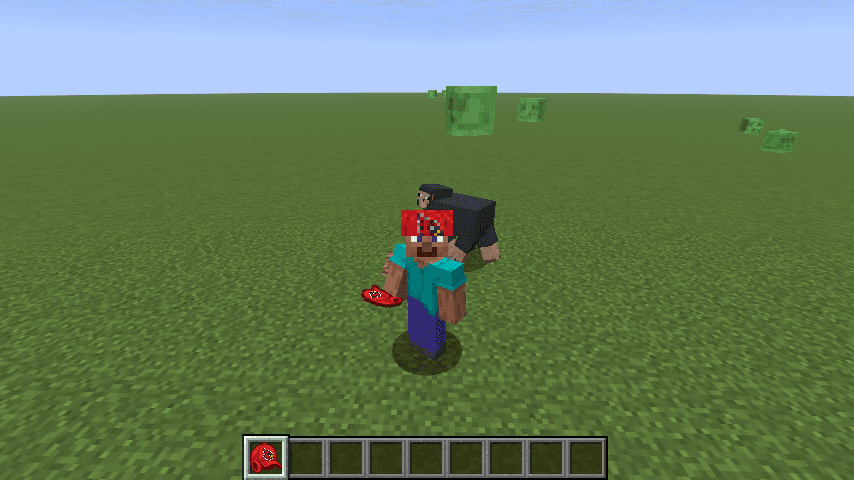
Redbird Peace Cap

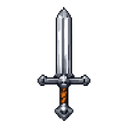
Wear the Redbird Peace Cap and nearby mobs stop attacking you—while sporting matching style.
Eternal Eclipse Sovereign Armor



The Eternal Eclipse Sovereign Armor is a four-piece cosmic set that outclasses Netherite: the helmet grants permanent night vision, reveals hostile mobs through walls, and contains a built-in water-breathing reservoir (5-minute base capacity) that is consumed while underwater and…
Emerald Starfall Cannon

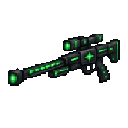
Mark your target with emerald light, hold steady, and unleash a devastating orbital blast.
Bozzers Blade

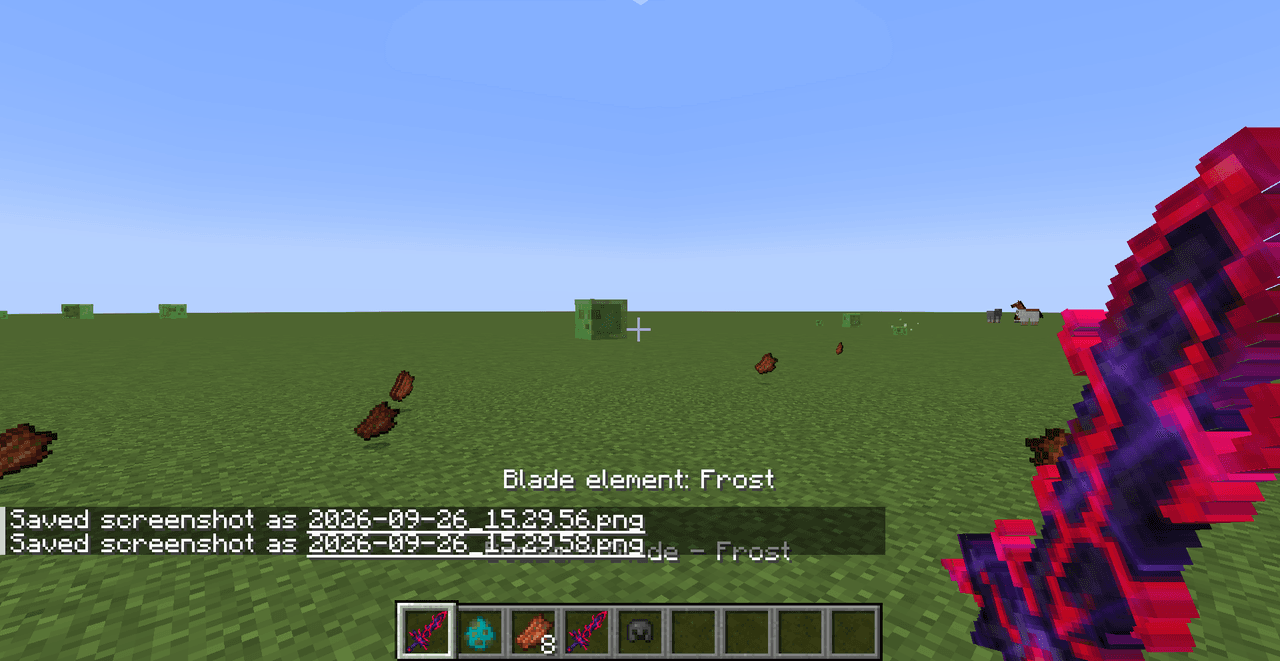
Wield Bozzers Blade: chain criticals, switch elements, disarm foes, and prevent healing.
Desperation Blade

Grow deadlier as your health fades and enemies close in—wield the Desperation Blade!
This mod is licensed under the CreativeMode Mods License.