

Description
Generate custom versions of The Skeld and explore a fresh map every time you play.
Mod Wiki
Skeld Map Generator
Quickstart
- Get the Among Us Admin Tool from Creative inventory, or use
/give @s com_skeld_map_generator_y7a2gwkp:admin_tool. Only an operator can use it. If needed, an operator can grant access with/tag <player> add among_us_admin. - Use the tool and choose Map Setup → Generate Random Map. Stand in a safe, mostly flat area with plenty of space: generation clears and rebuilds a large area around you. Confirm to build the ship and configure its game systems.
- In the admin menu, open Game Management → Start Game. A normal match needs 2–10 players. For a solo run, turn on Single Player Mode first; it requires exactly one player and adds a Crewmate Guide.
- Once play begins, use your Task List item to see your assignments and destinations. Head to the listed rooms and interact with the task stations. Use the Emergency Button or report a body to call a meeting.
Overview
Skeld Map Generator creates a playable, Skeld-style ship with a randomized room layout and the systems needed for a round of social deduction. Generate a map from the admin menu whenever you want a fresh layout. The generated room directory helps you match each room’s name to its position; colored floor markers also help identify rooms.
The Admin Tool manages map setup, game settings, and matches. During a round, Crewmates complete assigned tasks while trying to identify the Imposters. Imposters use kills and sabotage to disrupt the crew.
What It Adds
| Content | What it’s for |
|---|---|
| Random map generator | Builds a ship around the admin’s position and configures game locations, task stations, vents, the Emergency Button, repair panels, and doors. |
| Admin Tool | Starts and manages matches, changes settings, and configures or checks the map. |
| Task List | Shows your assigned jobs, progress, and destinations during a match. |
| Match items | Imposters receive Kill and Sabotage items. Some special roles receive a Role Ability Tablet or a Kill item. |
| Map blocks | Task Panels, vents, the Emergency Button, a Security Monitor, sabotage repair panels, and a MedBay Scanner. |
| Game characters | Dead Crewmate Bodies can be reported. Single Player Mode includes a Crewmate Guide. |
How To Use
Generate and manage a map
Use the Admin Tool while the game is in the lobby:
- Map Setup → Generate Random Map builds the ship at your current location. Room placement is randomized; the generation notice includes a room directory.
- Map Setup → Check Map Setup checks whether the map is ready for a match.
- Game Management → Start Game begins a round and privately assigns players their roles and colors.
- Use the other Map Setup options to configure map systems manually. Game and map settings can be changed from the lobby.
Play a round
- Crewmates: Use the Task List to find your assignments, then visit the indicated rooms and interact with their task stations. Tasks can have multiple stages or destinations. Imposters do not receive real tasks.
- Imposters: Use Kill to attempt a kill and Sabotage to open sabotage choices. The configured kill distance and cooldown affect when kills can be attempted.
- Meetings: Interact with the Emergency Button to call a meeting, or interact with a Dead Crewmate Body to REPORT it. Players can discuss and vote.
- Sabotage repairs: When a system is sabotaged, find and interact with the corresponding repair panels.
- Vents: Interact with a vent to enter it. Imposters and Engineers can use vents while alive; the vent menu lets you travel to a connected vent or exit.
- Security cameras: An admin can configure a Security Monitor and camera locations under Map Setup → Security Cameras. Interact with the monitor to view cameras; use the Security Camera Remote to switch views and the exit control to leave camera mode.
Special roles can include Engineer, Scientist, Medic, Sheriff, Jester, Executioner, Shapeshifter, and Phantom. Follow the role message you receive at match start; use a Role Ability Tablet if your role receives one.
Crafting And Obtaining
The Admin Tool and match items are available through Creative inventory or are supplied for their intended use during matches. The generator places and configures the task systems for its ship.
To build a MedBay Scanner for a custom setup, craft its placer at a crafting table:


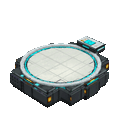
Place the MedBay Scanner where you want the station. A Crewmate assigned Submit Scan can use it as part of that task.
Progression And Strategy
- Start by checking your Task List and following its room directions; completing a multi-stage task may require visiting more than one station.
- Use the generated room directory and colored floor markers to learn the shuffled layout.
- Report bodies promptly or use the Emergency Button when you need a meeting.
- In Single Player Mode, talk to the Crewmate Guide and choose View My Tasks to review your assignments.
How to install
Download the mod and follow the step-by-step installation guide.
Remixed from
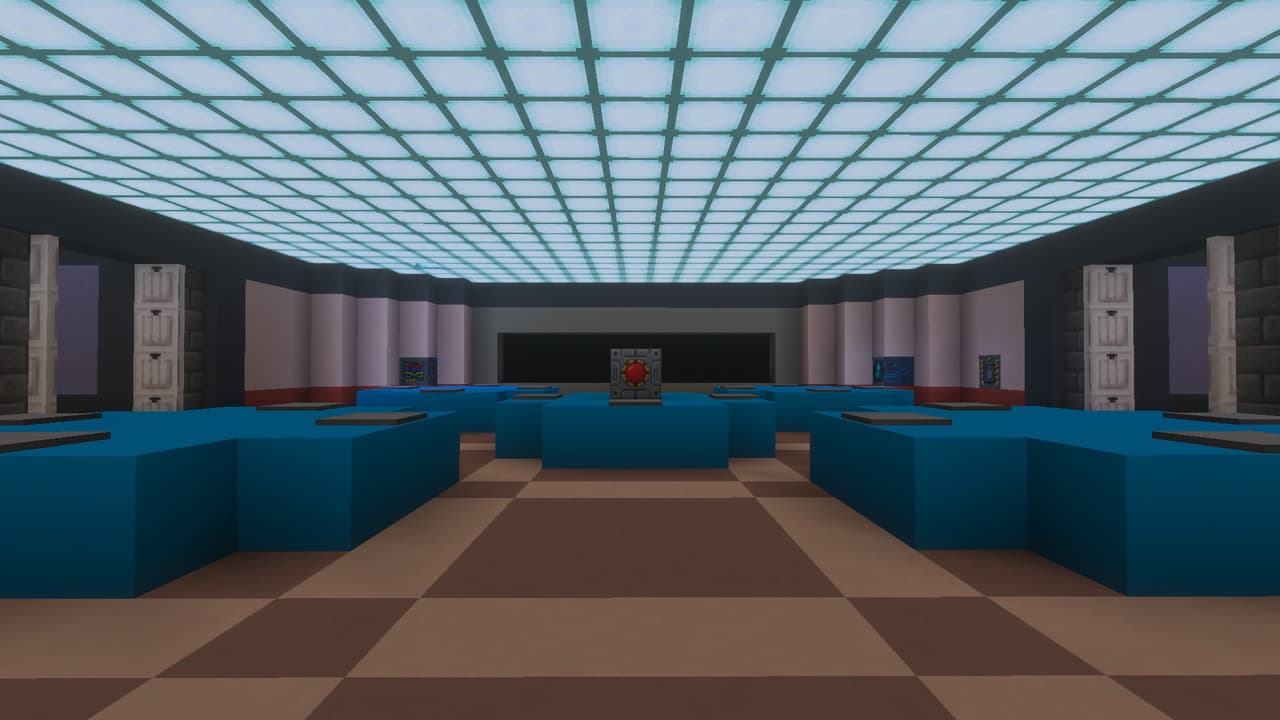
Among Us The Skeld
rocket6207
Bedrock 1.26.40
This mod is licensed under the CreativeMode Mods License.