

Description
Craft spreading Flesh that devours blocks, infects creatures, and spawns hostile husks; water becomes Blood that reverses controls.
Mod Wiki
Flesh Tendril Plague
Quickstart
In Survival, craft Flesh from eight netherrack surrounding an ender pearl:


Place Flesh on a solid block and watch it slowly overrun nearby blocks. Keep clear: touching Flesh damages and infects living creatures. When the spread reaches water, it can turn the water into Blood, which spreads through connected water and reverses movement controls while you are in it. Try placing Flesh beside a lake to see the outbreak spread.
For a quick test, find Flesh, Blood and Blood Lava Buckets, Flesh Beacon, and the Fleshpot potion in the Flesh Plague creative inventory tab. A Soul Torch or Soul Wall Torch offers a nearby refuge from Flesh contact and Blood Lava.
Overview
Flesh Tendril Plague turns placed Flesh into a spreading infection. It affects blocks, fluids, and creatures: Flesh can overrun terrain, water can become Blood, lava can become Blood Lava, and many mobs can turn into hostile fleshbound versions. Flesh can also give rise to a Flesh Vortex that pulls nearby creatures toward it.
What It Adds
- Flesh: A placeable, spreading block. It grows onto neighboring blocks and can become Blood when it touches water.
- Blood and Blood Bucket: A flowing fluid that infects living creatures on contact and can spread through connected water.
- Blood Lava and Blood Lava Bucket: A hot fluid created when Flesh reaches lava.
- Flesh Beacon: A corrupted beacon that threatens players nearby.
- Flesh Husk and Flesh Vortex: Hostile creatures associated with the plague.
- Fleshbound mobs: Infected versions of many familiar creatures, including pigs, cows, chickens, llamas, rabbits, cats, wolves, horses, villagers, skeletons, spiders, Endermen, and more. Some, such as the Fleshbound Ender Dragon and Fleshbound Wither, are especially dangerous.
How To Use
- Start an outbreak: Place Flesh where it can reach neighboring blocks. Its spread is slow, so give it time. It can replace adjacent non-air blocks as it grows.
- Contain the spread: Keep Flesh away from structures and water you want to protect. Soul Torches and Soul Wall Torches protect nearby creatures from Flesh-contact infection and Blood Lava damage, but do not stop the blocks themselves from spreading.
- Collect fluids: Use an empty bucket on Blood or Blood Lava to collect it. Take care when placing either fluid: Blood infects creatures on contact, while Blood Lava burns and damages them.
- Look out for vortices: A Flesh Vortex can appear above Flesh where there is room overhead. It anchors to the Flesh, reels nearby creatures toward itself, and attacks them at close range.
- Recognize corrupted beacons: An active vanilla beacon touching Flesh can become a Flesh Beacon. Breaking one drops the block.
Abilities And Mechanics
Flesh contact damages living creatures and causes nausea and hunger. Blood contact also infects creatures, and being in Blood reverses movement controls. Blood can spread through connected bodies of water. Blood Lava flows from Flesh that reaches lava; it burns and damages creatures on contact.
Mobs that die from plague contact while standing on Flesh may undergo a brief transformation instead of dying. Many become hostile fleshbound versions that hunt other creatures; tamed cats, wolves, and horses pass through visible infection stages. Some mobs without a matching fleshbound form are consumed, leaving more Flesh. Fleshbound creatures can also convert eligible mobs they kill. Flesh Husk is the plague’s zombie-like hostile creature.
A Fleshpot potion grants Flesh Immunity for two minutes. Immune creatures are spared infection and are ignored by Flesh Vortices and fleshbound hunters.
Progression And Strategy
Start with a small Flesh patch and observe how nearby terrain and water respond before placing more. Use Soul Torches to protect routes or shelters from contact hazards, and keep a Fleshpot potion ready when traveling through infected areas. Avoid approaching a Flesh Beacon: players within 32 blocks are slowed, poisoned, pulled toward it, and periodically damaged. Move outside its range to escape its effects.
How to install
This Java mod can be used on Windows and Mac PCs with the CreativeMode Launcher or any Minecraft launcher of your choice.

1. Download and install the new CreativeMode Launcher

2. Click to play on the top of the screen.
3. That's it — launches instantly. No complicated setup required.
Want to use on a different launcher? Download mod and manually install.
Players also liked

MOBs Void Storage


Mine Voidite to unlock expandable personal storage, then craft, smelt, and link chests to your stash. Void chests are for allowing your friends acces to your void storage space. but it can also be used to hopper or pipe items into the storage, convenient if you have automated fa…

BasswaveEDMMC


Transform your Minecraft worlds into dynamic electronic music festivals with this ultimate audio and visual production mod designed for aspiring note block producers, DJs, and stage engineers! Craft custom EDM sounds using the Basswave Resonator's 35 tunable sound pads across cat…
Anti Fusion Table

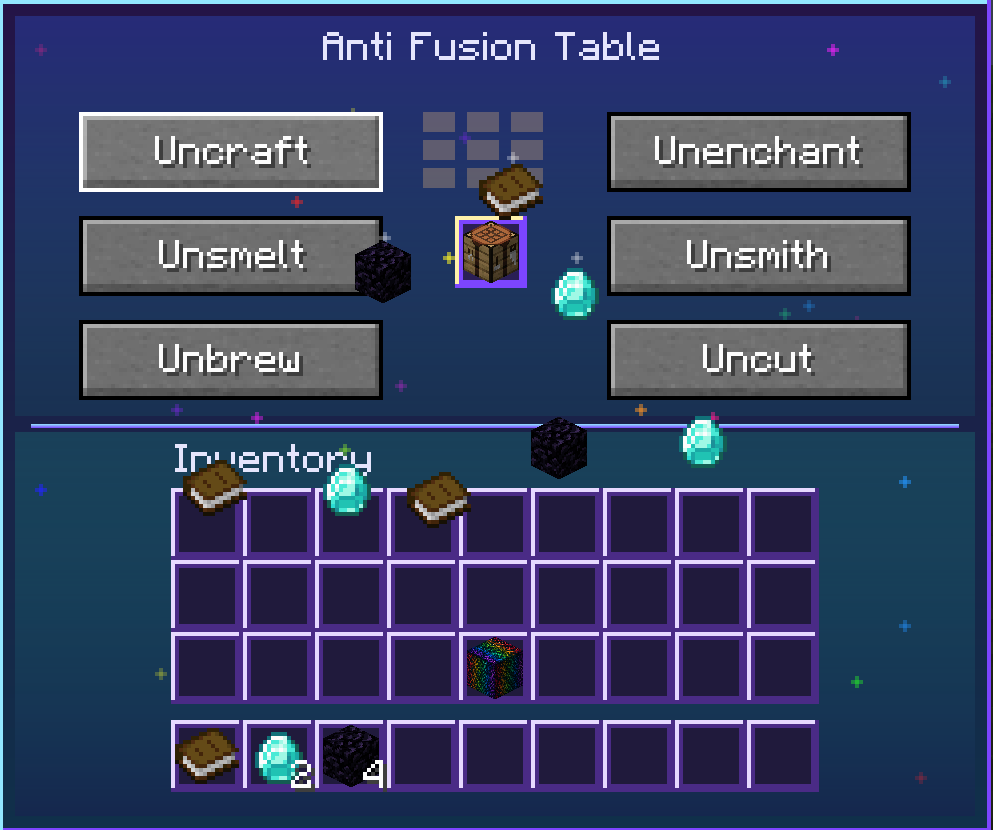
Anti Fusion Table lets you uncraft items back into their component materials by placing them into its GUI and collecting the resulting outputs. Each potential returned item now has a 35% chance to be recovered (rolled individually for each item, including bulk unbrew repetitions)…
Heart Containers

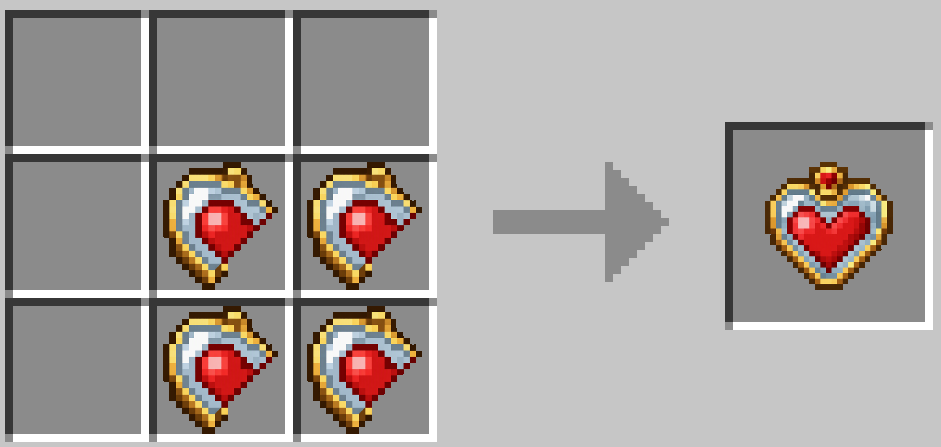
Inspired by the Legend of Zelda, find Heart Containers in loot chests in dungeons, or have one guarantee to drop from a vanilla, or modded, boss. Every Heart Container increases your health by 1 heart permanently. Find four heart pieces, and place them in a 2 x 2 grid in a Crafti…
The Hunt


Hunt skittish creatures, follow bloody trails, harvest their carcasses with a hunting knife, and do so much more!
This mod is licensed under the CreativeMode Mods License.