

Description
Build and pilot a colossal sky titan, then unleash lasers and missiles from above.
Mod Wiki
Crimson Sky Titan
Quickstart
- Craft the Crimson Sky Titan item:


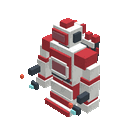
- Place it in a clear area. The item creates the titan’s large multiblock structure, facing toward you.
- Right-click any visible part of the structure to activate it and climb inside.
- Use the default controls to pilot and arm the titan:
- W/A/S/D — Move forward, backward, and strafe
- Space — Ascend
- Shift — Descend
- Ctrl — Exit the titan
- R — Switch between lasers and missiles
- Use key — Fire the selected weapon
The titan automatically uses a third-person view while you are riding it. You can switch perspectives manually if desired.
Overview
Crimson Sky Titan adds a colossal, pilotable sky titan built from many connected parts. Once activated, the placed structure becomes a hovering vehicle that follows the pilot’s view and can attack targets from the air.
The titan supports one player at a time and displays cockpit information such as:
- Altitude
- Speed
- Heading
- Current weapon system
What It Adds
- Crimson Sky Titan — The main item used to create the titan.
- Crimson Sky Titan Part — The connected blocks that form the titan’s visible body.
- Pilotable titan vehicle — Activate the completed structure to fly it.
- Laser weapon — Fires a long-range energy beam.
- Missile weapon — Launches two explosive projectiles.
- Titan HUD — Shows flight and weapon status while piloting.
How To Use
Building the titan
Hold the Crimson Sky Titan item and place it like a normal block. The titan assembly is created automatically around the placed block. Its orientation is determined by the direction you are facing.
Make sure the surrounding area is clear. Parts can only appear in air or other replaceable spaces, so terrain or structures occupying the assembly area may prevent the titan from forming completely.
Activating the titan
Right-click any visible part of the placed titan. The whole structure is removed and replaced by a single hovering titan vehicle, with your player mounted as its pilot.
Only one player can ride the titan at a time. Right-clicking the vehicle while it is already occupied does not add another passenger.
Leaving the titan
Press Ctrl, the default sprint key, to dismount. Shift is reserved for descending while piloting and does not dismount you.
When you leave, your player becomes visible again and the titan remains where you left it.
Crafting And Obtaining
The Crimson Sky Titan recipe uses:
- Netherite Blocks
- Iron Blocks
- Redstone Blocks
- Diamond Blocks
- Quartz Blocks
- An Elytra
The recipe is available after joining the world and can also be obtained through the Creative inventory’s Combat category.
Abilities And Mechanics
Flight
The titan hovers without normal gravity. Face a direction and press W to fly forward. Use A and D to strafe, while S moves backward at a reduced speed.
- Hold Space to rise.
- Hold Shift to descend.
- Release both vertical controls to gradually lose altitude.
The HUD reports your current speed, altitude, and heading.
Laser mode
The laser is selected by default. Press Use to fire a beam in the direction you are looking.
The laser:
- Reaches up to 32 blocks.
- Searches a narrow area in front of the titan.
- Strikes the closest living target in its path.
- Deals heavy damage.
- Produces a bright energy-beam effect and a guardian-like firing sound.
Missile mode
Press R to switch from LASER to MISSILES. Press Use to launch two missiles simultaneously, one from each side of the titan’s forward firing point.
Missiles travel in the direction you are looking and create flame effects as they launch. Press R again to return to laser mode.
Both weapons have a short firing cooldown, so rapid repeated presses will not fire continuously.
Titan durability
The titan is highly resistant to damage, including greatly reduced damage from explosions. If it takes enough damage to be destroyed, the pilot is dismounted and a Crimson Sky Titan item is dropped.
Progression And Strategy
- Prepare a wide, unobstructed launch area before placing the titan.
- Activate the structure from any part rather than searching for a specific cockpit block.
- Gain altitude before attacking so terrain and buildings do not block your movement.
- Use the laser for precise attacks against targets in a straight line.
- Switch to missiles when you want a pair of explosive projectiles or need to pressure an area.
- Watch the altitude and heading indicators when flying long distances.
- Keep the titan away from crowded builds while maneuvering, since its large body needs plenty of room.
How to install
This Java mod can be used on Windows and Mac PCs with the CreativeMode Launcher or any Minecraft launcher of your choice.

1. Download and install the new CreativeMode Launcher

2. Click to play on the top of the screen.
3. That's it — launches instantly. No complicated setup required.
Want to use on a different launcher? Download mod and manually install.
Players also liked
Stormrider Keyblade


Summon lightning, then transform the Stormrider Keyblade into a rideable hoverboard.
The valley civilization {horror}

Explore the Pool Rooms, Backrooms, and an impossible resort—then find the door home.
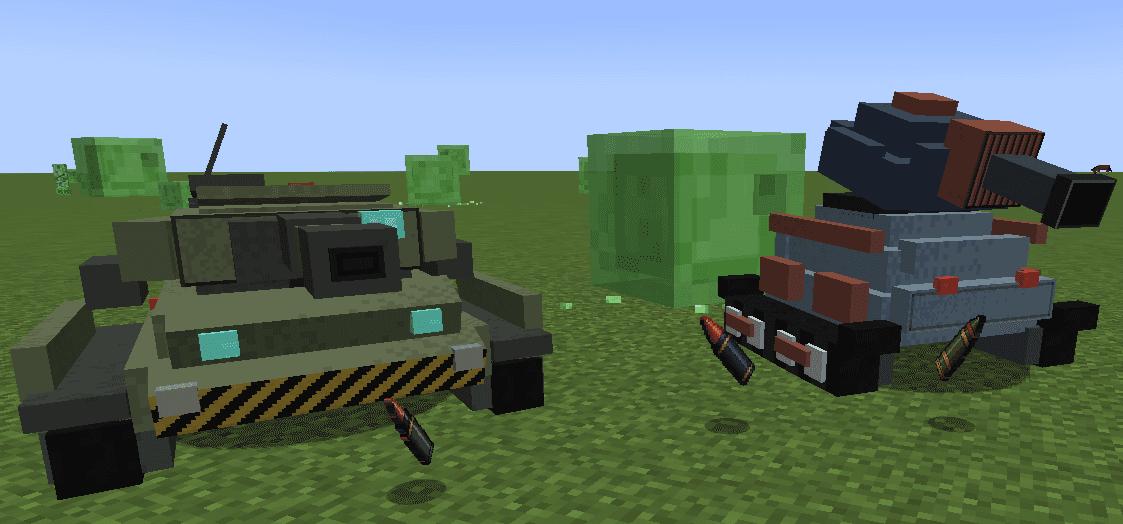
Ironclad Tank mod! Survival friendly


Build an ironclad thunder tank, climb inside, and unleash devastating shells across the battlefield. There are 3 different shells, 1.HE (high explosive), 2. AP (armor piercing) 3. HEAP (high explosive armor piercing) and i made up the HEAP shell!
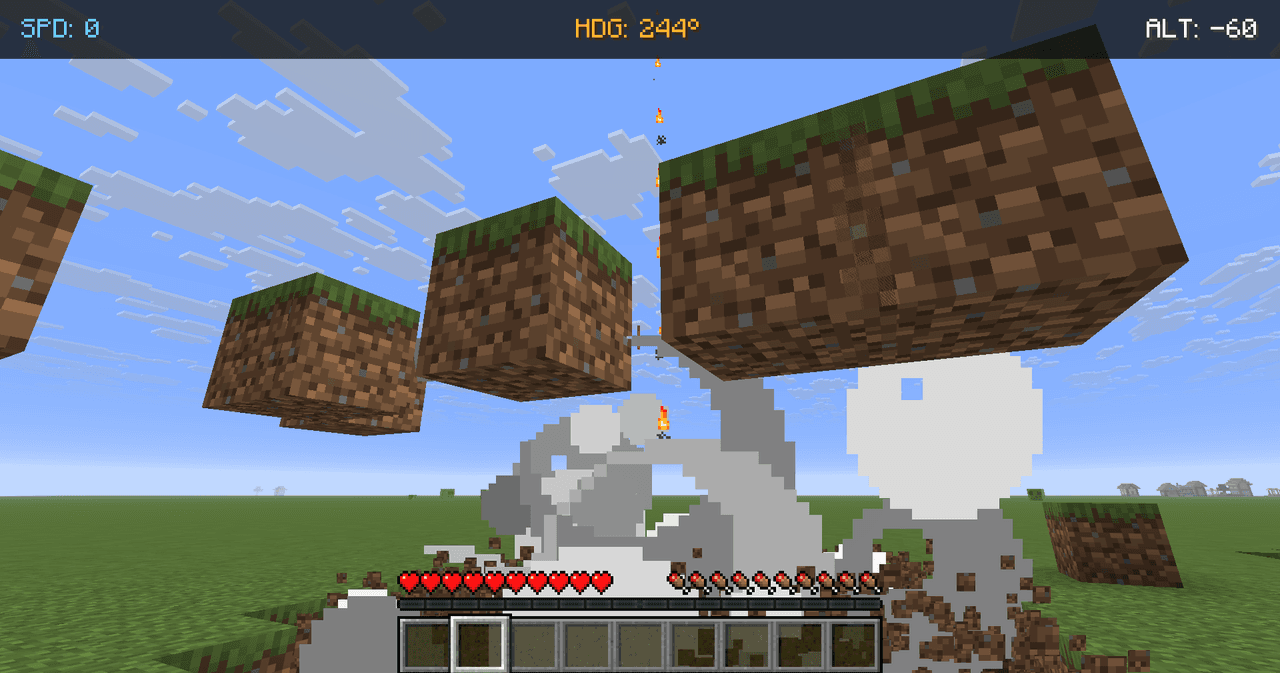
Greenfire Siege Tank

Ride the Greenfire Siege Tank and unleash rockets, fire, and flying blocks across the battlefield.
Optimus prime armor!


Equip the full Prime Commander armor set to replace your third-person player model with a large, fully animated Optimus-style mech; when the full set is worn and you are not in truck mode the mech renderer takes over and the camera automatically switches to a backed-up third-pers…
This mod is licensed under the CreativeMode Mods License.