

Description
Set your world border anywhere from 1×1 to 1000×1000 chunks, or leave it off, then survive within its limits.
Mod Wiki
Chunkbound Survival
Quickstart
- Join a world with its default world border. If the world hasn’t been configured, the Choose your chunk footprint screen opens automatically.
- Choose a preset from 1×1 to 10×10 chunks, drag the slider for a square size up to 1000×1000, or enter custom Width and Height values from 2 to 1000.
- Select Off to leave the vanilla world border unchanged, or press Confirm to set the border based on your selection and where you’re standing.
The setup screen must be confirmed; it cannot be dismissed with Escape. Your choice is saved for the world.
Overview
Chunkbound Survival makes the world border the limit of your exploration. It adds no items, blocks, mobs, or recipes: the main activity is choosing a bounded area and surviving within it.
How To Use
- Presets: Click Off or a square preset from 1×1 to 10×10.
- Slider: Click or drag to select a square size from 0 to 1000 chunks. Zero corresponds to Off.
- Custom size: Click the Width or Height field, type a value from 2 to 1000, then press Confirm. Confirm is unavailable while either value is invalid.
- Border placement: The selection is positioned using the chunk you occupy when you confirm. Chunk size is 16×16 blocks.
- Off: Leaves the vanilla world border as it is; it does not remove that border.
Minecraft’s world border is square. For a custom selection with different Width and Height values, the border’s side length uses the larger value. The chosen border is applied across dimensions.
Abilities And Mechanics
The mod sets a world border rather than changing your game mode. Use the border as your survival limit and plan exploration and resource gathering accordingly. The border is shown with a translucent edge.
Progression And Strategy
Treat the selected area as your whole world: explore it early, note useful resources and routes, and plan builds with the boundary in mind. The setup choice is saved, and the selection screen does not provide an in-game option to choose a new footprint later.
How to install
This Java mod can be used on Windows and Mac PCs with the CreativeMode Launcher or any Minecraft launcher of your choice.

1. Download and install the new CreativeMode Launcher

2. Click to play on the top of the screen.
3. That's it — launches instantly. No complicated setup required.
Want to use on a different launcher? Download mod and manually install.
Players also liked
Redstone Relay

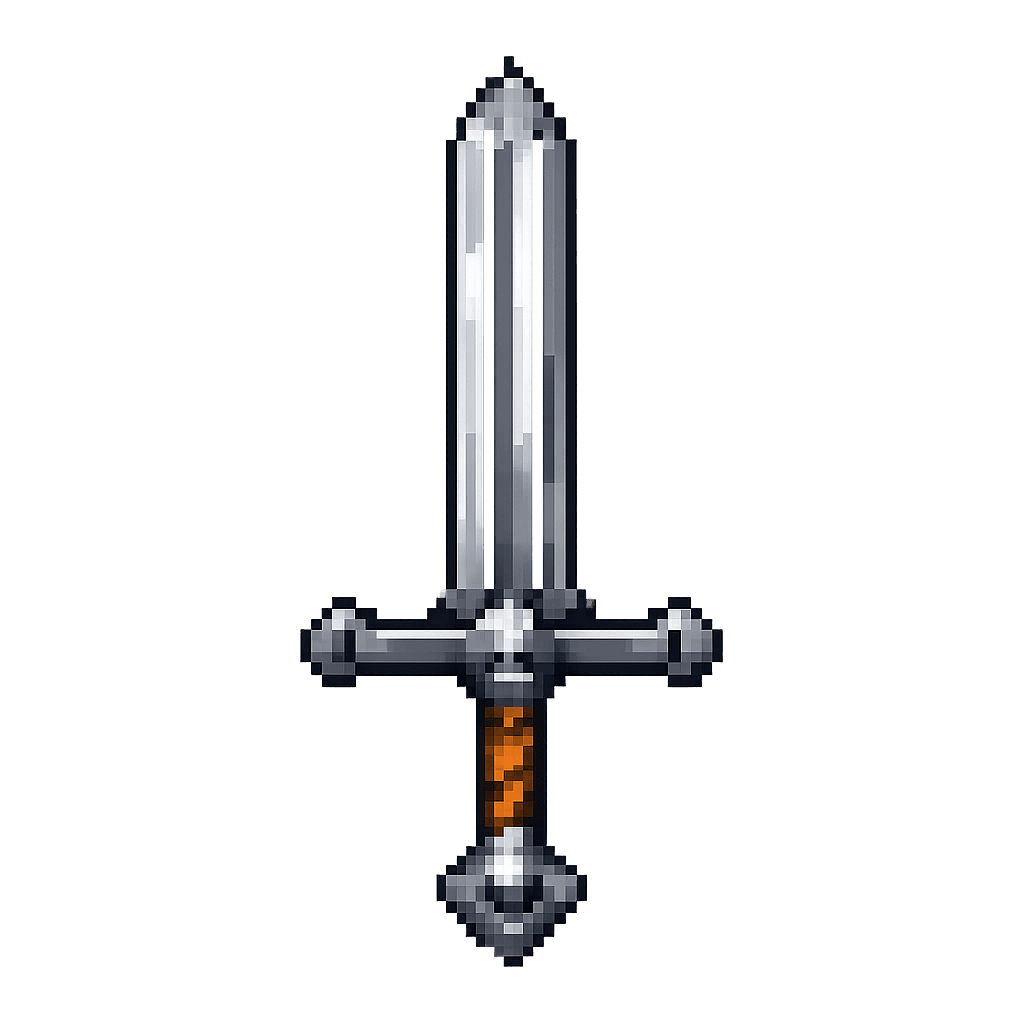
Send redstone signals across your world with relays that keep distant chunks loaded.
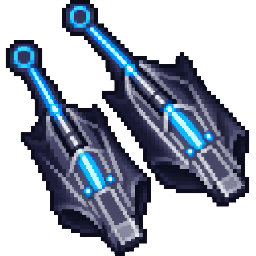
Neon Web Shooters


Zip through the world with neon web shooters that pull you toward every block they hit.
Enderite Armor


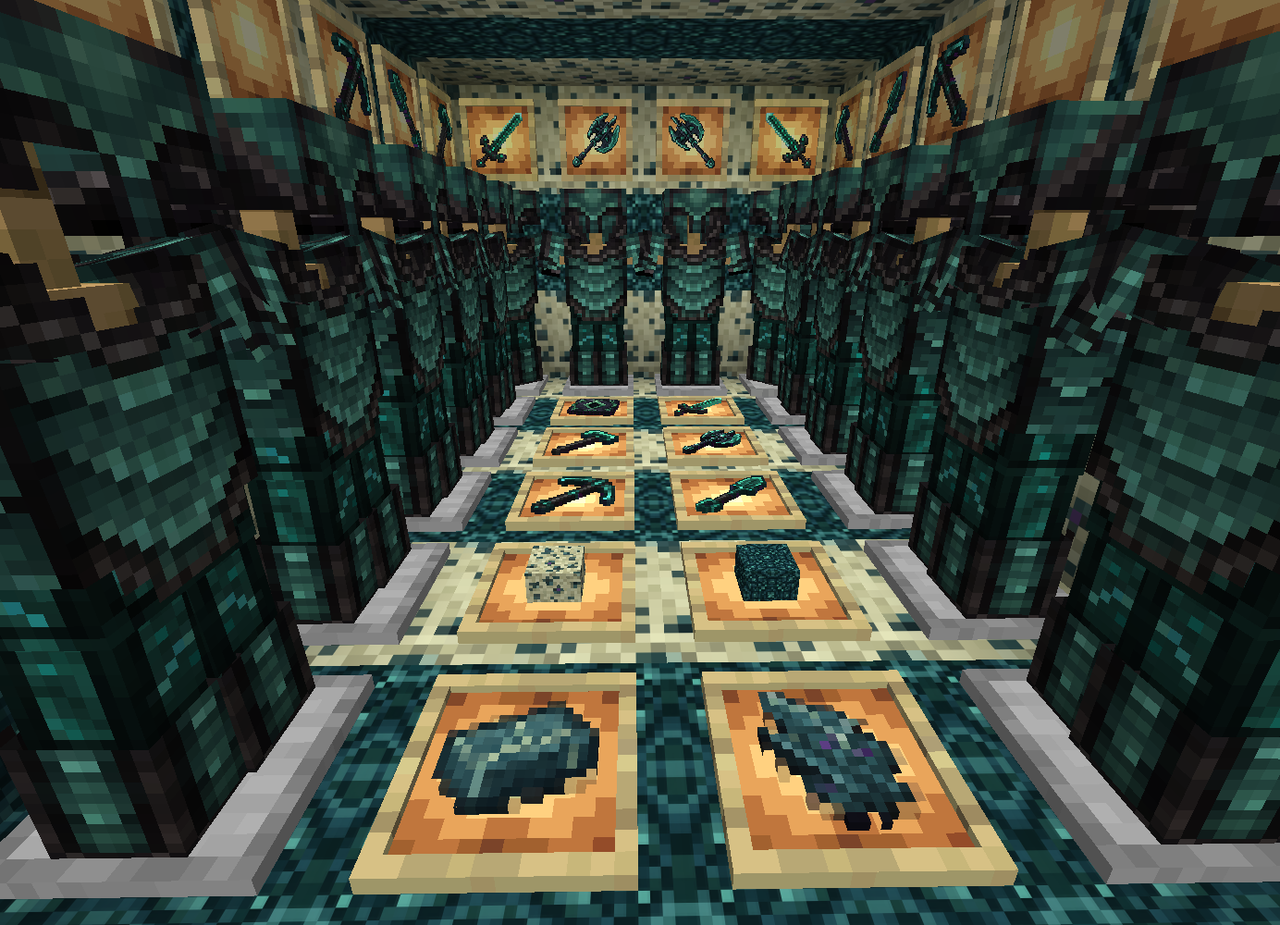
Enderite is a powerful upgrade beyond Netherite: each armor piece still provides +4 armor toughness and +3 knockback resistance and grants a unique bonus while worn — the helmet gives Night Vision, the chestplate grants Strength II, the leggings grant Resistance I, and the boots…
Expanding Pillar

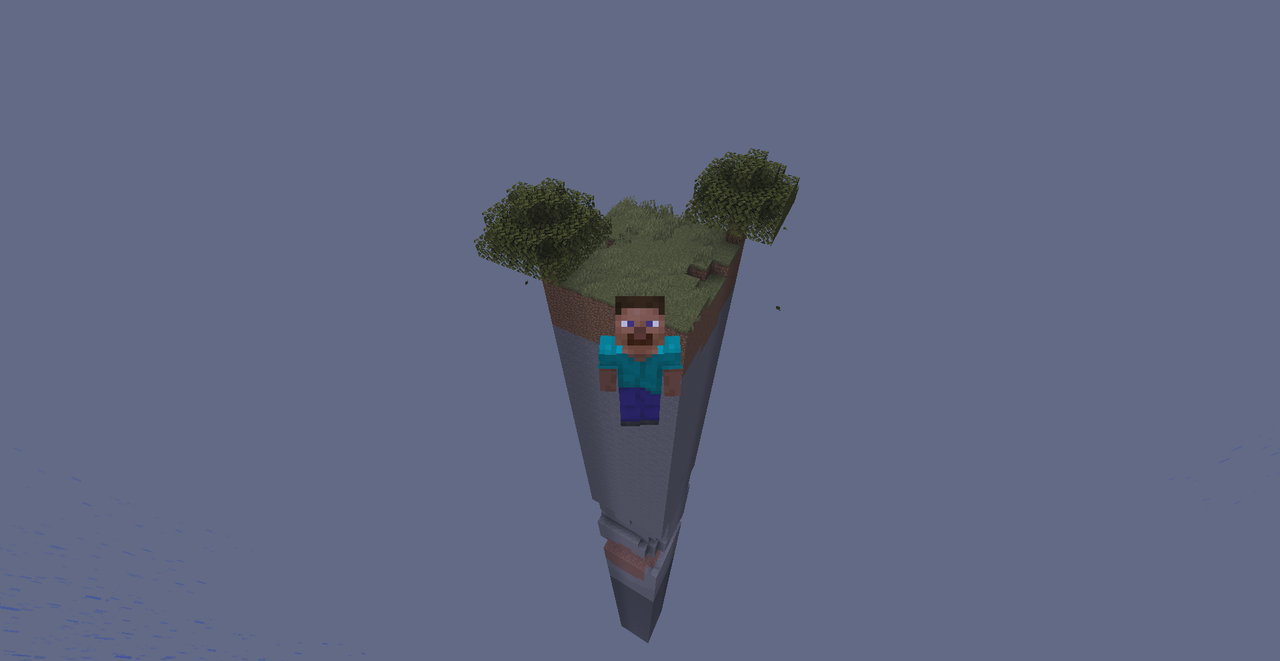
Survive on a lone pillar that grows each day, revealing new biomes and supply waystations. As the pillar expands, it can reveal trees, structures, caves, ores, etc. The pillar expands every 1 Minecraft day, so surviving gets easier as time goes on.

Black Armor Tech

High-tech black armor with lasers, night vision, steady aim, and menus in your language
This mod is licensed under the CreativeMode Mods License.