

Description
🆕✨JOIN MY DISCORD: https://discord.gg/bpTRZaskh DO IT RIGHT NOW✨🆕 nah jk, but you can if you want to be a beta tester and to get help Builder Wand — Bedrock 1.26.32 A powerful Minecraft Bedrock building wand designed for extremely fast building from a distance. The Builder Wand lets players select blocks and place them quickly without constantly switching between items. It supports vanilla Minecraft blocks and can be expanded to work with add-on blocks. Features: Select and place blocks from a distance Extremely fast block placement Visual block picker Search for blocks by name Enter a block ID directly Eyedropper mode to copy the block you're looking at Dedicated eraser mode Water and lava placement Barrier and special blocks Long-range building Line builder for creating straight structures Area builder for filling large sections Adjustable line and area dimensions Building outlines before placement Mob selection and mob ID input Guide/help system explaining the wand's tools Designed specifically for Minecraft Bedrock 1.26.32 The goal is to make large-scale building dramatically faster while still giving the player precise control over what gets placed and where. The Builder Wand is intended as a creative-building tool rather than a weapon. Platform: Minecraft Bedrock Edition Target Version: 1.26.32 Type: Creative Building Tool / Add-on Use @sound: Error_Sound.mp3 for something when you're looking at the sky and you try to place it, or when there is an error. The reach of the wand should be as far as you can see. Use @sound: Place_Sound.mp3 when you place a block or enter the UI. Use @reference: Pack_Icon.png for the pack_icon, use @reference: Item_Image.png for the image shown in the inventory.
Mod Wiki
Builder Wand
Quickstart
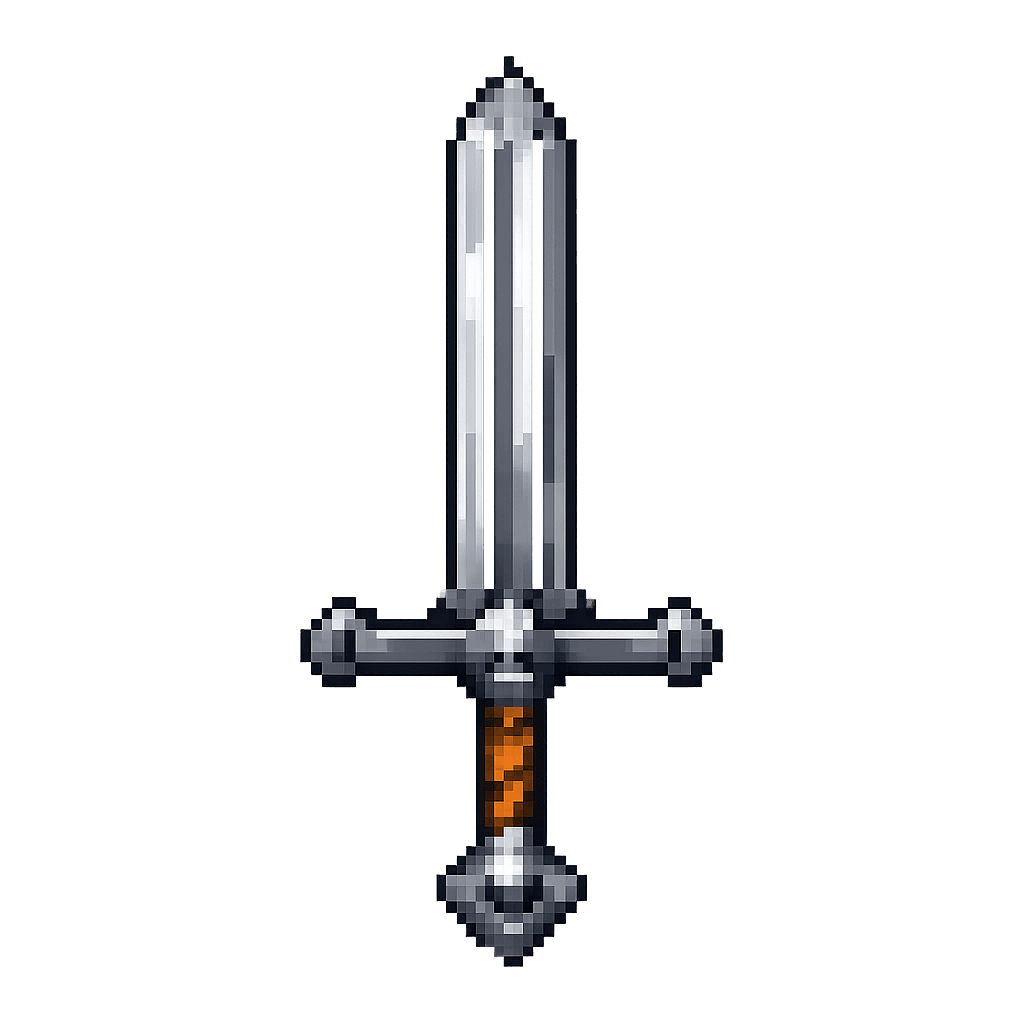
Craft the Builder Wand at a crafting table:


Open its controls with /com_builder_wand_mnzabtuw:menu. Choose a block and building mode, then aim at a block and use the wand. It can target blocks up to 256 blocks away, but needs a block in view—aiming into the sky gives an error.
By default, the wand previews your edit first. Use it again while still aiming at the same target to place the blocks. Crouch while holding the wand to cycle through its modes.
Overview
The Builder Wand is a creative building tool for placing blocks, clearing areas, shaping structures, and spawning entities from a distance. It places edits directly in the world, without requiring you to carry the selected blocks.
What It Adds
- A visual block picker, plus search by name or block ID and direct ID entry.
- An eyedropper that selects the block you’re looking at.
- Single-block, line, area, shape, and eraser modes.
- Mob selection and spawning.
- Repeating block patterns and adjustable previews.
- Corner anchors and structure-saving tools.
- A Directions Book with an in-game guide.
How To Use
Open the controls with /com_builder_wand_mnzabtuw:menu. From there, pick a block, select a mode, and adjust its settings. The action bar shows your current mode while you hold the wand. You can also crouch with the wand to cycle modes in this order: single block, line, area, erase single, erase line, erase area, shape, and mob.
The block picker offers common choices. Search can find registered blocks by name or ID, including available add-on blocks; you can also enter an exact block ID. Turn on the eyedropper, then use the wand while looking at a block to select it.
Previews are on by default. Aim at a surface and use the wand once to preview; use it again without changing the target to confirm. Turn previews off in the relevant settings for direct placement. If you’re looking at the sky or an invalid target, aim at a block face instead.
Abilities And Mechanics
| Mode | What it does |
|---|---|
| Single block | Places the selected block on the face you’re aiming at. |
| Line builder | Builds a line along your aim, including diagonal lines. Adjust its length and height. |
| Area builder | Builds a rectangular volume. Adjust its dimensions and choose a fill, full outer outline, or perimeter. |
| Eraser | Removes the targeted block, line, or area. Line and area erasers have separate dimensions. |
| Shape builder | Makes pillars, arches, spheres, cylinders, right triangles, hexagons, pyramids, cones, domes, or cuboids. Set dimensions, rotation, and whether the shape is hollow. |
| Mob placer | Select an entity from the picker or enter its ID, then use the wand to preview and spawn it. |
The block picker includes water, lava, barriers, and other special blocks. The pattern editor lets you build a repeating sequence of registered block IDs and change their order.
Crafting And Obtaining
The Builder Wand, Corner Anchor, Corner Link Dust, and Directions Book are craftable:
- Corner Anchor:
- Corner Link Dust:
- Directions Book:
Use the Directions Book to browse the in-game help pages. Use Corner Link Dust to display a visual outline between four assigned corners.
Progression And Strategy
For a large build, set the block and dimensions first, then use the preview to check the placement before confirming. Use area mode for broad surfaces, line mode for beams or walls, and hollow shapes when you want to save space inside a form.
To save a structure, place four Corner Anchors and interact with them to assign Corner 1 through Corner 4 in the same dimension. Use an anchor’s menu to save the bounded area, choosing whether to keep or cut the original. Select a saved structure from the wand controls, choose its rotation, and use the wand to place it.
How to install
Download the mod and follow the step-by-step installation guide.
Players also liked


SCP-463


Do NOT bend this spoon vro 😭😭😭😭😭 SCP-463 is an anomalous metal spoon, when pressure is applied to the spoon the subjects spine instantly rotates 90 degrees. Causing death or in rare cases paralysis, which I implemented by making paralysis a 1 in 100 chance. Also it only wor…
The World Editor


The World Editor is an in-game wrench that opens a menu for operators to change world settings—like adjusting the world border, adding or removing special items, managing the banned-items list, and configuring punishments; only players with the built-in op tag can receive and use…


Armor Warden

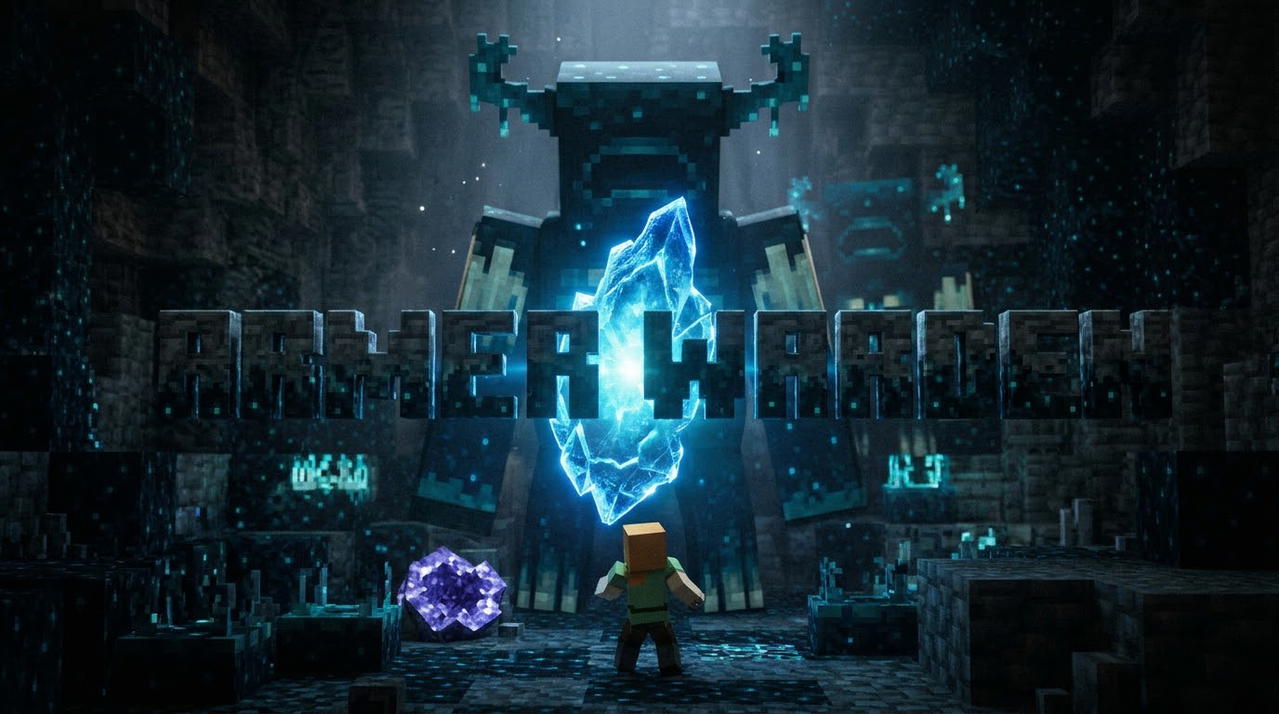
Title: Warden Crystal Arsenal [Netherite Level + Custom Abilities] Description: Have you ever wanted to harness the ultimate power of the Deep Dark? The Warden Crystal Arsenal introduces a brand-new, overpowered tier of gear crafted from the essence of the Warden himself! Dive…
This mod is licensed under the CreativeMode Mods License.