

Description
Fly Baba Yaga’s mortar with a steering pestle, or race ahead on a broom.
Mod Wiki
Baba Yaga Sky Mortar
Quickstart
Craft the mortar with the recipe below:


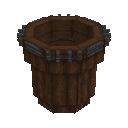
In Creative, find the mortar in the Functional tab and the Steering Pestle and Flight Broom in Tools. Place the mortar where there is room for its roughly 4×4×4 structure; its parts appear automatically. Right-click any part to ride it.
While riding, hold the Steering Pestle in either hand to steer: WASD to move, Space to ascend, Shift to descend, and Ctrl to dismount. Try holding the Flight Broom instead for faster flight without a trail.
Overview
The mod adds a placeable Baba Yaga mortar that becomes a rideable flying vehicle, plus two handheld flight tools. Its facing follows the direction you face when placing it.
What It Adds
| Item | Use |
|---|---|
| Baba Yaga Sky Mortar | Place it, then right-click any part to mount. |
| Steering Pestle | Enables steering while you ride. |
| Flight Broom | Enables steering and gives you extra speed without a particle trail. |
The Pestle and Broom have no crafting recipes provided; you can find them in Creative inventory.
How To Use
- Steer with the Pestle: Hold it in your main or off hand while riding. Use WASD for movement, Space to rise, and Shift to descend. Hold W to build speed.
- Fly with the Broom: Hold it in either hand while riding. It provides faster flight and leaves no trail.
- Dismount: Press Ctrl. Shift is for descending, not dismounting.
- Check your flight: While riding, the HUD displays speed, altitude, and heading.
Crafting And Obtaining
The mortar recipe uses iron ingots, dark oak logs, blaze powder, and a stick. In Creative inventory, look in Functional for the mortar and Tools for its flight tools.
How to install
This Java mod can be used on Windows and Mac PCs with the CreativeMode Launcher or any Minecraft launcher of your choice.

1. Download and install the new CreativeMode Launcher

2. Click to play on the top of the screen.
3. That's it — launches instantly. No complicated setup required.
Want to use on a different launcher? Download mod and manually install.
Players also liked

Infinity Stone Gauntlet


The Infinity Stone Gauntlet lets you channel seven stones — Space (teleportation and anchors), Soul (soul‑harvesting and Soulworld banishment), Reality (large‑area edits plus a Projectile Bubble Field that converts hostile projectiles into harmless bubbles), Power (destructive mo…



Black Armor Tech

High-tech black armor with lasers, night vision, steady aim, and menus in your language
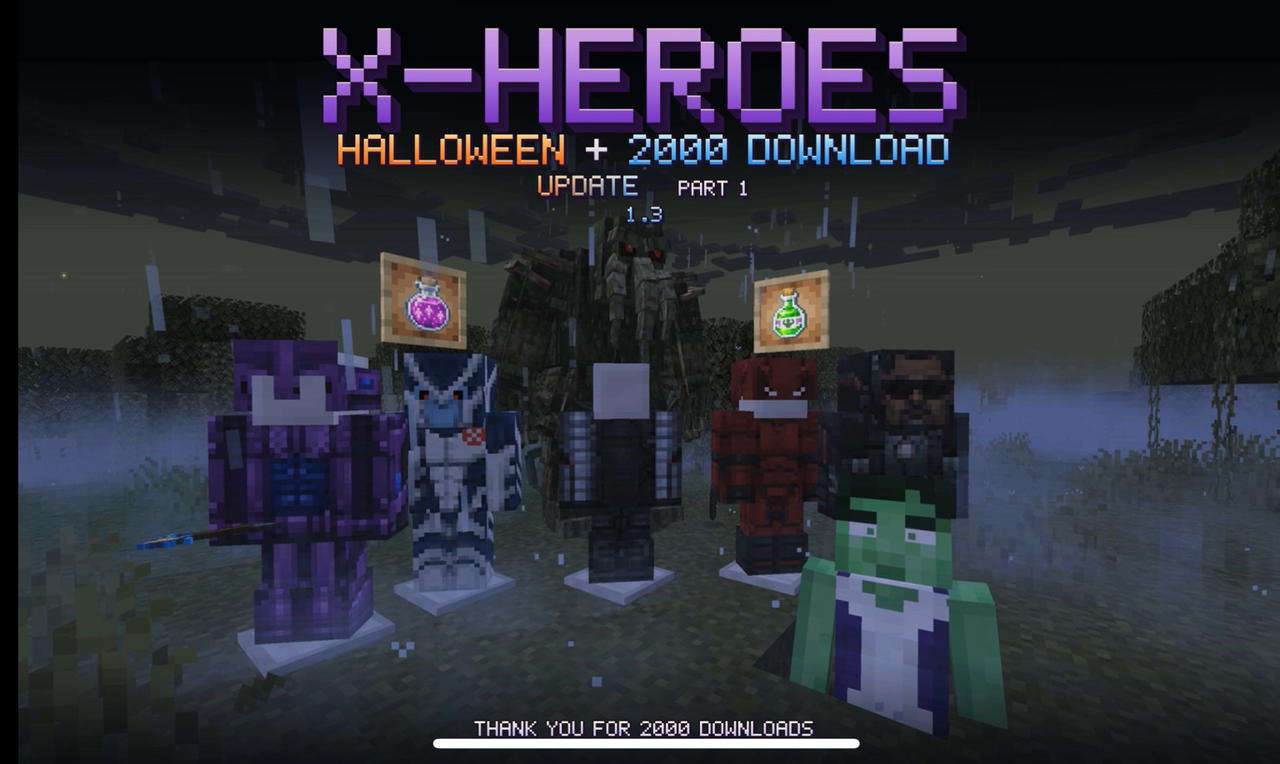
X Heroes Halloween + 2000 Downloads Update — Part I 1.3


# X-Heroes — Become the Hero! **Your world. Your powers. Your story.** Welcome to X-Heroes, a massive superhero mod for Minecraft Java Edition 1.20.1! Become your favorite comic-book characters, craft powerful suits, unlock mutations, discover advanced technology, explore new…
This mod is licensed under the CreativeMode Mods License.