

Description
Six PvP modes, waves, and new arenas in a smarter sparring challenge
Mod Wiki
Arena Sparring Mentor
Quickstart
- Press Backspace (default keybind, rebindable in Controls settings) to open the Sparring Menu.
- Click the Mode button to cycle through the six PvP modes plus the wave survival mode.
- Click the Difficulty button to set Easy, Normal, or Hard (only affects the standard PvP modes).
- Click Start Arena PvP — you'll be teleported into an arena and matched against a sparring bot with a kit that mirrors your chosen mode.
- Fight! Win to be returned to where you started. If you need to bail out early, reopen the menu and click End Active Sparring.
Overview
Arena Sparring Mentor drops you into self-contained combat arenas to practice PvP against tuned bot opponents. Choose from six distinct duel styles or take on a five-wave survival gauntlet, each with matching gear and its own tactical twist. Arenas are pulled from a pool of themed maps, including icy and volcanic settings, so no two sparring sessions look quite the same.
What It Adds
- A keybind-triggered Sparring Menu for selecting mode and difficulty.
- Six one-on-one PvP modes, each pitting you against a bot with a matching equipment kit and a unique fighting style.
- A Mentor Survival Waves mode: five escalating bot fights in a row.
- Six arena maps, including Citadel, Grove, Temple, Ruins, Frostfall Bastion, and Magma Forge.
- Automatic teleportation into and out of the arena, with return-to-start on victory or when ending a session early.
How To Use
- Open the menu with the Open Sparring Menu keybind (default: Backspace).
- Cycle Mode and Difficulty with their respective buttons; a short description below the title explains the currently selected mode.
- Click Start Arena PvP to confirm your choice and begin — you and your opponent are teleported into a randomly chosen arena sized for close-quarters dueling.
- Click End Active Sparring at any time (via the menu) to cancel the match and return to your original location.
- Difficulty (Easy/Normal/Hard) changes how aggressively and quickly the standard PvP bot fights; it does not apply to the wave survival mode, which has its own fixed escalation.
Abilities And Mechanics
Each mode summons a bot with gear and behavior suited to its theme:
| Mode | Bot Behavior | Kit |
|---|---|---|
| Sword Duel | Straightforward melee duelist | Matching iron sword kit, 50 HP |
| Agile Pursuit | Fast, strafing, hit-and-run fighter | Matching iron kit, 50 HP |
| Guardian Breaker | Defensive, hard to break through | Matching iron kit, 50 HP |
| Berserker Rush | Hard-hitting axe fighter, no shield | Matching iron axe kit, 50 HP |
| Duelist Dash | Fast-paced blocking duel; both fighters move faster | Matching sword-and-shield kit, 50 HP |
| Extreme Chaos | Toughest bot, fights amid random cover and block layouts | Matching netherite kit, 80 HP |
| Mentor Survival Waves | Five bots in succession, each stronger than the last | Standard PvP kit; your health is restored after each wave cleared |
Winning a standard PvP match teleports you back to where you started. In Mentor Survival Waves, clearing each wave heals you before the next mentor arrives, letting you push through all five without needing to heal manually.
Progression And Strategy
- Start on Easy or Normal in Sword Duel or Agile Pursuit to learn spacing and blocking against a bot before moving to gear-specific modes like Guardian Breaker or Berserker Rush.
- Duelist Dash and Extreme Chaos demand faster reflexes and positioning — Extreme Chaos in particular adds environmental cover you can use or be flanked around.
- Use Mentor Survival Waves as an endurance test: since health regenerates between waves, focus on conserving resources and finishing each fight cleanly rather than trading damage evenly.
- If a match goes badly, use End Active Sparring from the menu to retreat safely rather than risk defeat deep in an arena.
How to install
This Java mod can be used on Windows and Mac PCs with the CreativeMode Launcher or any Minecraft launcher of your choice.

1. Download and install the new CreativeMode Launcher
2. Click to play on the top of the screen.
3. That's it — launches instantly. No complicated setup required.
Want to use on a different launcher? Download mod and manually install.
Players also liked

Flying Thunder Drop Biplane


The Thunder Drop Biplane is a rideable aircraft that you can mount by right-clicking the placed structure, which automatically switches your view to third-person and puts you in the cockpit. Use W/A/S/D to steer, Space to ascend, and Shift to descend; press Ctrl to safely exit an…
The Best Orbital Strike Cannon


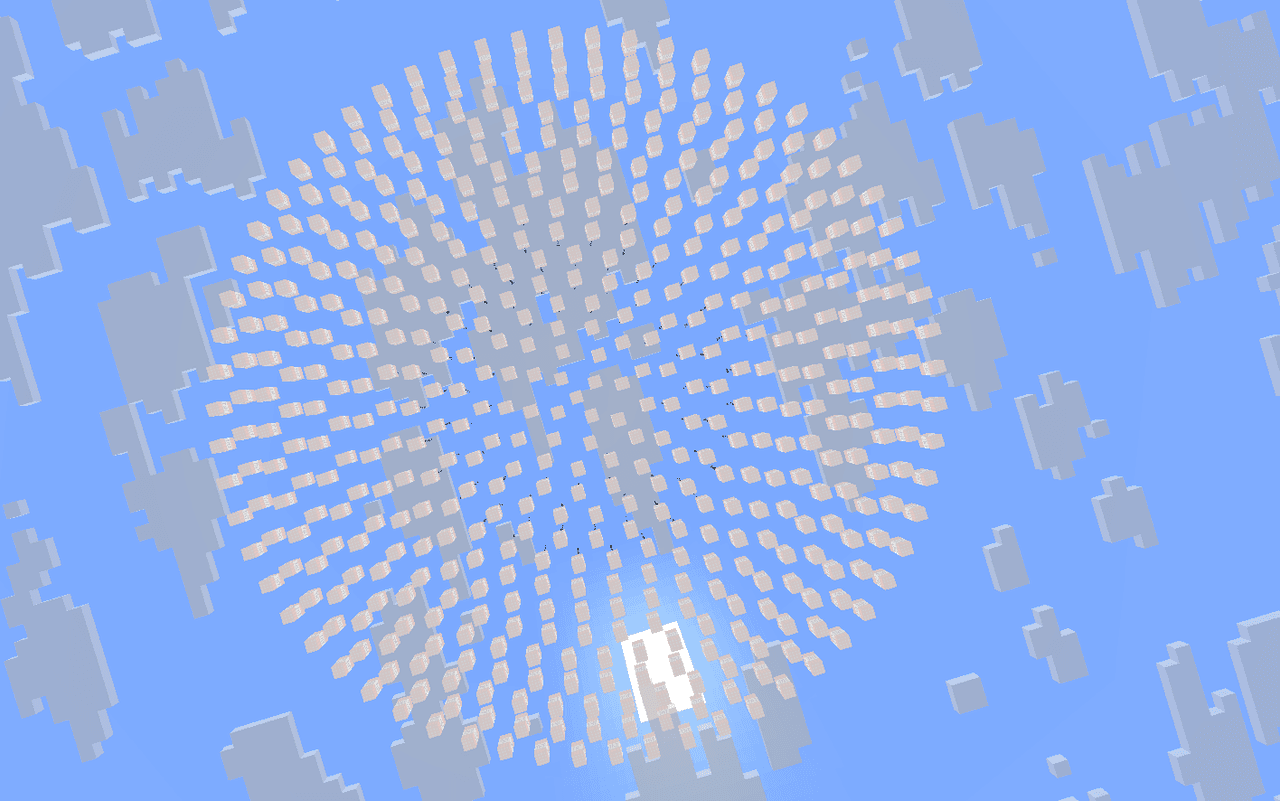
Call down devastation from orbit—or carpet the battlefield with TNT.
Orbital Railgun Cataclysm



``` Orbital Railgun Cataclysm ├── 🎯 Activation │ ├── ⏱️ 2s charge-up (green energy surge) │ └── 🚀 Launches full 20s orbital sequence │ ├── 🛰️ Phase 1: Target Scan │ ├── 🔄 Rotating white rings (r=30) │ ├── 🌐 Adaptive green laser grid │ └── 📡 Deep hum + radar tones…
This mod is licensed under the CreativeMode Mods License.