

Description
Tiered generators duplicate your chosen items over time—boost their output with Void Cores.
Mod Wiki
Item Generators
Quickstart
- Get a Generator from the Creative inventory, or use
/give @s com_tiered_item_replicator_6mycjesf:generator, then place it. - Hold one of the items you want it to make and interact with the Generator. Then interact while holding 1 Oak Plank to give it the Wood tier and start production.
- Use the material for a higher tier to upgrade its speed. To increase its output per cycle, interact while holding a Void Core; to make it run faster, install a Speed Core.
- By default, output pops out above the Generator. Interact with an empty hand to switch output mode, or place storage above it for automatic storage. Sneak-interact to take configured items back out.
Plan its location before placing: Generators do not drop as items when mined.
Overview
Generators duplicate their configured items over time. Upgrading their tier shortens the time between cycles; cores and nearby boosters can further improve their output.
A new Generator has no tier and produces nothing until you upgrade it. Its default output is 1 item per cycle.
What It Adds
- Generator: Configurable item-producing block with tier upgrades and up to two item slots.
- Void Core: Adds 1 item per cycle to a Generator.
- Speed Core: Makes its Generator run 4× faster.
- Generator Speed Booster: A block that speeds up nearby upgraded Generators.
- Core: Crafting ingredient for a Speed Core.
- Generator Admin Wand: Operator-only controls for adjusting generator settings.
How To Use
Configure and upgrade a Generator
Interact while holding an item to set it as an output. A Generator starts with one output slot. To add a second, interact with it while holding another Generator; the extra Generator is consumed. You can then set a second output item.
Upgrade with the material for the tier you want. Each upgrade consumes the listed material, and you must move up the tier order:
| Tier | Upgrade material | Default time per cycle |
|---|---|---|
| Wood | 1 Oak Plank | 40 seconds |
| Cobblestone | 1 Cobblestone | 35 seconds |
| Iron | 1 Iron Ingot | 30 seconds |
| Gold | 1 Gold Ingot | 25 seconds |
| Emerald | 1 Emerald | 20 seconds |
| Diamond | 1 Diamond | 15 seconds |
| Netherite | 1 Netherite Ingot | 5 seconds |
| Nether Star | 9 Nether Stars | 0.5 seconds |
These are the default times and can be adjusted by an operator.
Choose where output goes
An empty-hand interaction switches between popping items out above the Generator and auto-storing them in storage placed above it. Sneak-interact to take the configured items back out.
Boost production
Interact with a Generator while holding a Void Core to consume it and permanently add 1 item per cycle. Use more Void Cores for further output bonuses.
Interact while holding a Speed Core to install it. It makes that Generator run 4× faster. Alternatively, place Generator Speed Boosters near a tier-upgraded Generator: each nearby booster multiplies its speed by 4, up to three boosters counting at once.
Crafting And Obtaining
The Generator itself is available in Creative or by command. Craft the supporting items at a crafting table:
Core — ingredient for the Speed Core.



Void Core — adds one item per production cycle.



Speed Core — installs on a Generator for a 4× speed boost.



Nether Star Block — compresses nine Nether Stars into one block.
Unpack a Nether Star Block to recover nine Nether Stars.
Generator Speed Booster — craft from Nether Star Blocks and place near a tier-upgraded Generator.
Progression And Strategy
Start with Wood tier, then work up through the materials you can afford. For faster production, prioritize higher tiers; for larger batches, apply Void Cores. A Speed Core and up to three nearby boosters can combine to greatly shorten cycle times.
Put storage directly above the Generator when you want hands-off collection, and check its displayed status to confirm its tier, output items, and mode.
How to install
Download the mod and follow the step-by-step installation guide.
Players also liked
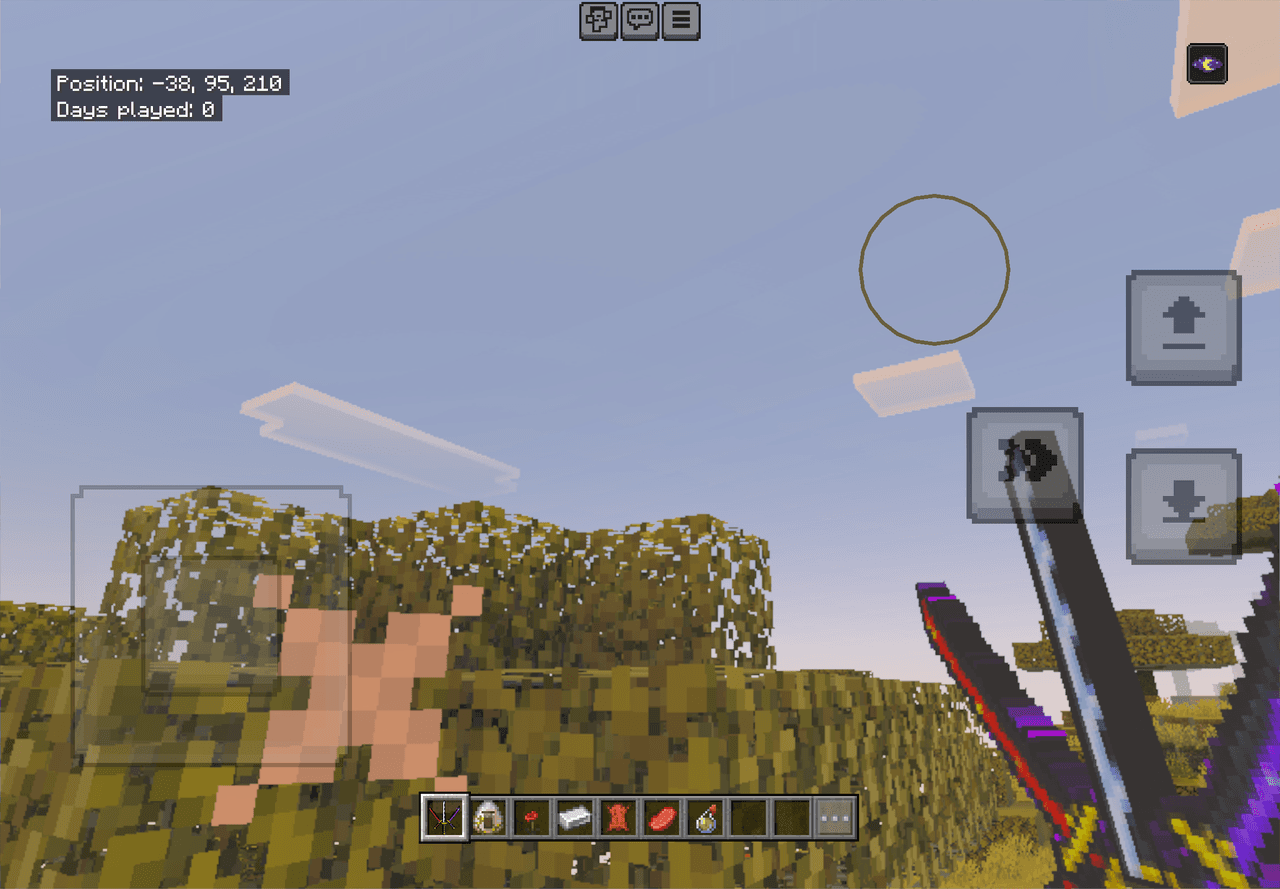
Threefold Storm Katana
 anon

Wield three legendary blades and unleash rushing, spinning multi-slash attacks.
Caves before Time

This biome will have a variety of ancient mobs like the sniffer and the tall things it will be a prehistoric biome that can spawn inside of caves it will give you blocks like ancient grass and ancient dirt and Amber which can be used to make an Amber lantern in the center of the…

Urban Blockworks


Build believable Minecraft cities with modern roads, sidewalks, storefronts, interior flooring, stocked shop fixtures, and street furniture. Urban Blockworks includes road lanes, curbs, flooring walls, and directional city props for creating detailed streets, shops, apartments, o…
This mod is licensed under the CreativeMode Mods License.