

Description
Remove dark outlines from blocks, entities, and objects for a clean, seamless Minecraft look.
Mod Wiki
No Black Outlines
Quickstart
- Install and launch Minecraft with No Black Outlines enabled.
- Enter any world or create a new one.
- Look at blocks, entities, dropped items, and other visible objects. The usual dark outline effects are disabled automatically.
- Continue playing normally—there are no items to craft, blocks to place, commands to run, or controls to configure.
Overview
No Black Outlines is a visual client-side mod that gives Minecraft a cleaner, more seamless appearance by removing vanilla outline rendering.
It does not alter the world, entity behavior, block properties, or item functionality.
What It Adds
- Removes the outline shown around targeted blocks.
- Disables entity outline rendering.
- Removes outline effects from dropped items and other entity-backed objects that use the same rendering system.
- Works automatically without adding new content or interfaces.
How To Use
No activation is required. Once the mod is loaded, its visual changes apply automatically in every world.
Play normally:
- Aim at blocks without seeing the usual selection outline.
- View mobs and other entities without entity outline effects.
- Drop or view items in the world without the applicable outline pass.
Abilities And Mechanics
The mod only affects outline rendering:
- World state: Unchanged.
- Block interaction: Unchanged; you can still break, place, and interact with blocks normally.
- Entity behavior: Unchanged; mobs and other entities retain their normal behavior.
- Items: Unchanged; item pickup, use, and inventory behavior work as usual.
- Other visuals: Only the targeted block and entity outline effects are removed. Lighting, textures, models, shadows, and normal entity rendering remain available.
Progression And Strategy
There is no progression system or gameplay mechanic to unlock. Use the mod as a permanent visual preference while building, exploring, or playing survival. Since outlines no longer indicate the targeted block or entity, rely on the crosshair position and normal world visuals when identifying what you are looking at.
How to install
This Java mod can be used on Windows and Mac PCs with the CreativeMode Launcher or any Minecraft launcher of your choice.

1. Download and install the new CreativeMode Launcher
2. Click to play on the top of the screen.
3. That's it — launches instantly. No complicated setup required.
Want to use on a different launcher? Download mod and manually install.
Players also liked
Courier Postbox


This mod adds a portable Package item with a 4-slot internal inventory saved to the item, plus a Courier Postbox interface for sending items to online players. Right-click a Package to open its UI, place items into the slots, use shift-click to quickly transfer items between your…
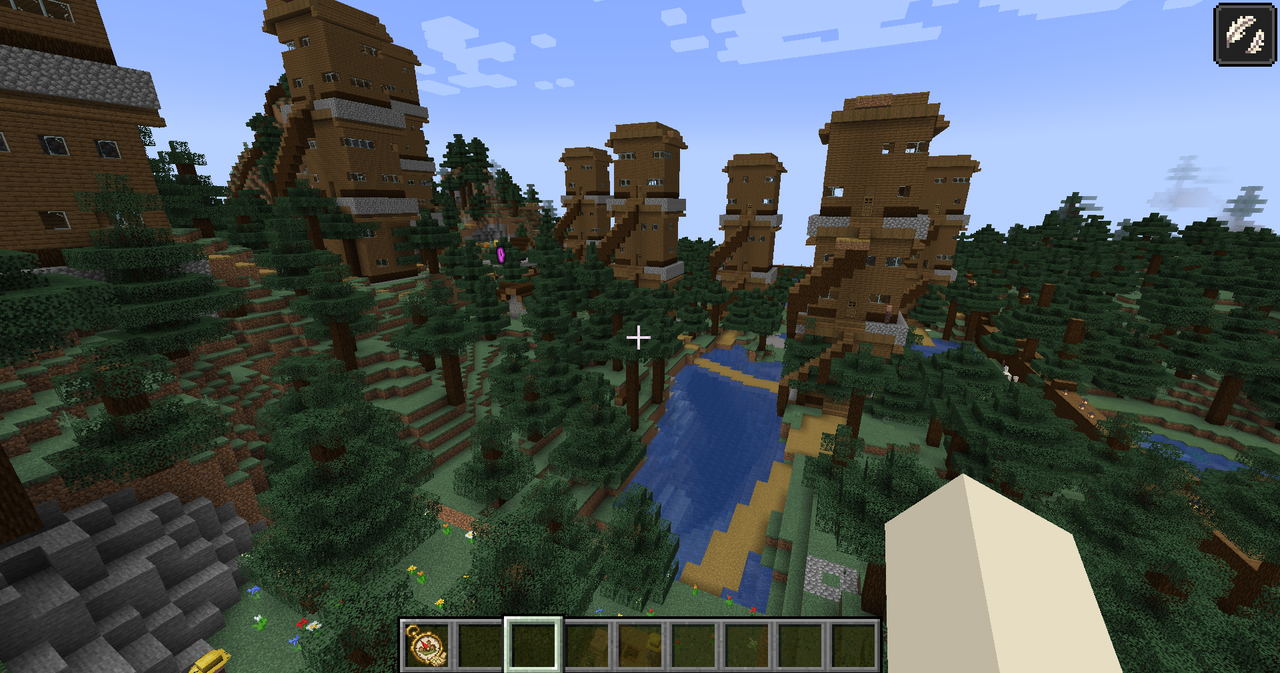


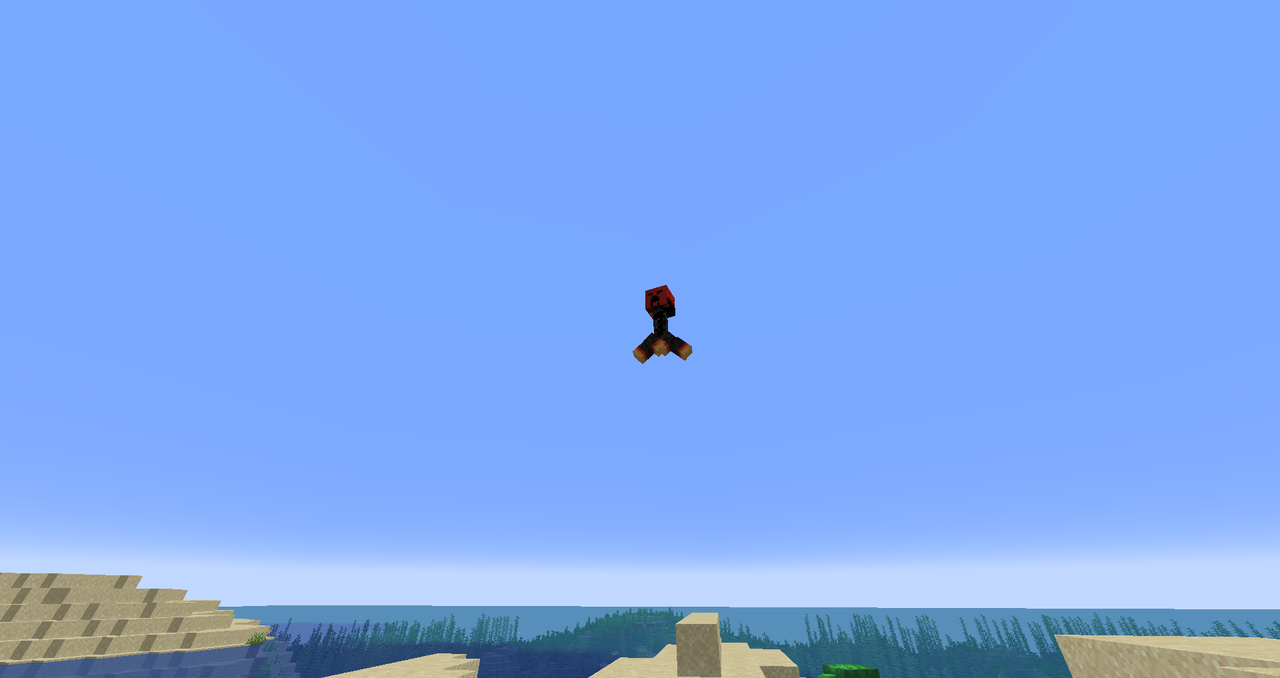
Crimson Sky Creeper

The Crimson Sky Creeper is a hostile, winged creeper with a blood-red head, black body, orange-yellow feet, and an eerie warning cry; when you come within about 16 blocks it warns, charges and leaps into the air, then flies toward the spot where you were and explodes on impact. I…
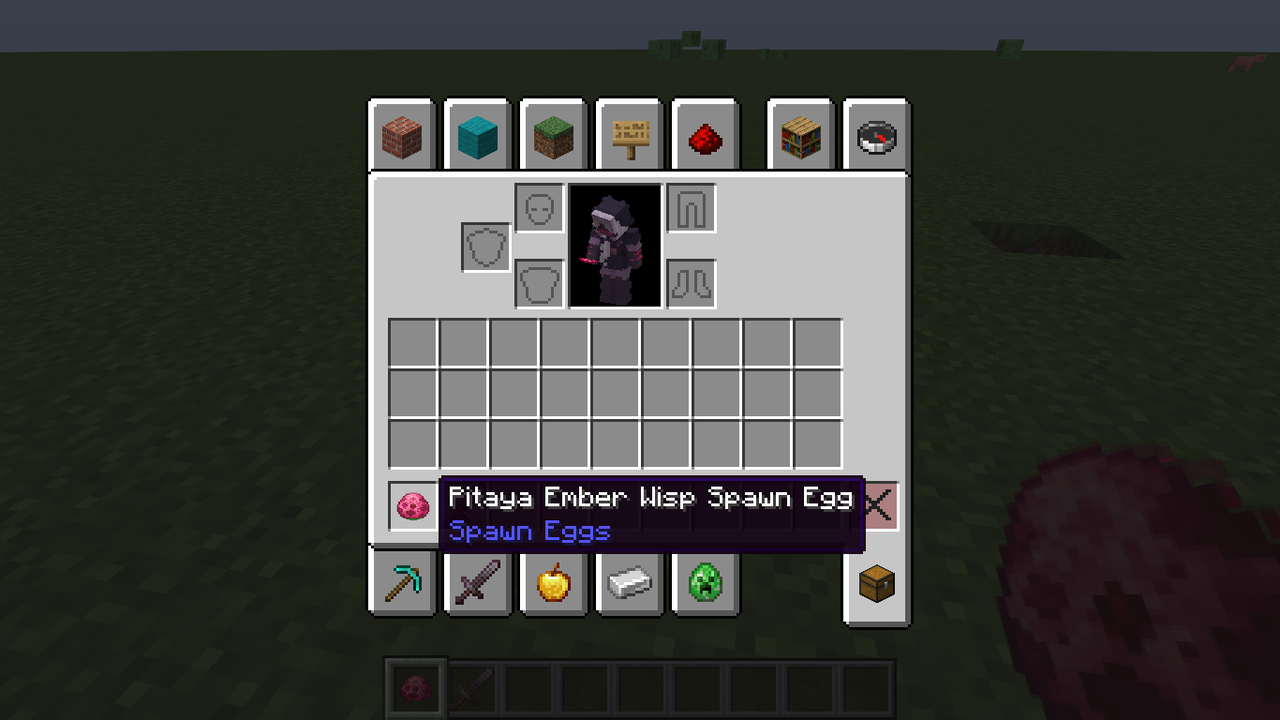
Pitaya Dragon Cookie


The Pitaya Ember Wisp is a fearsome dragon-inspired creature that floats through the world with a mystical glow, hunting down players with devastating fireball attacks. This hostile mob hovers above the ground and maintains its distance while unleashing fiery projectiles, becomin…
Arcane Physgun

The Arcane Physgun lets you grab and manipulate entities, items, vehicles, and any breakable solid block from up to 20 blocks away — right-click while looking at a mob, item, vehicle, or a normal removable block to pick it up and hold it in front of you, and right-click again to…
This mod is licensed under the CreativeMode Mods License.