Description
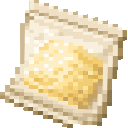


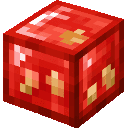
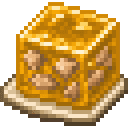
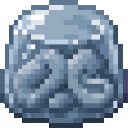
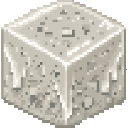
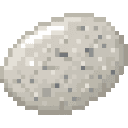
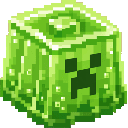
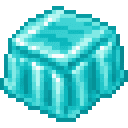
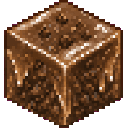
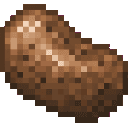
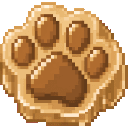
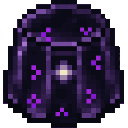
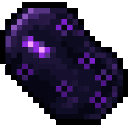
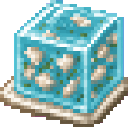
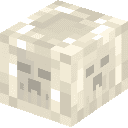
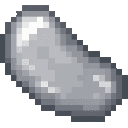
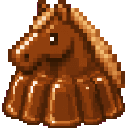
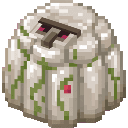
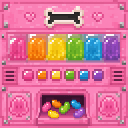
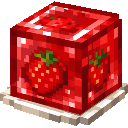
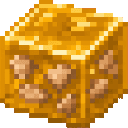
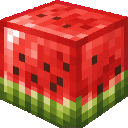
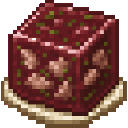
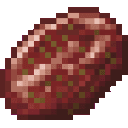
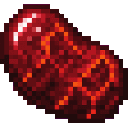
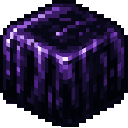
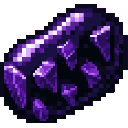
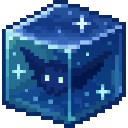
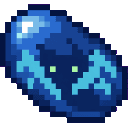
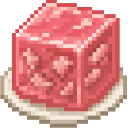
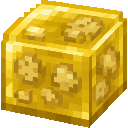
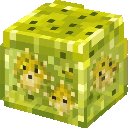
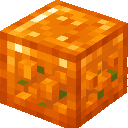
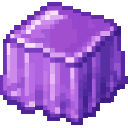
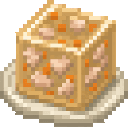
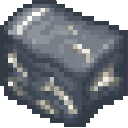
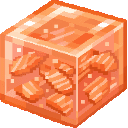
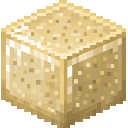
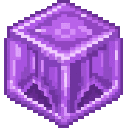
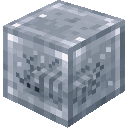
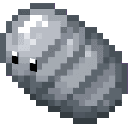
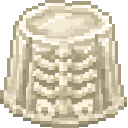
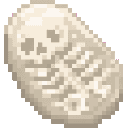
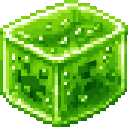
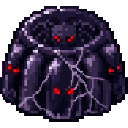
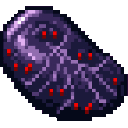
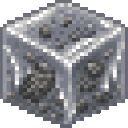
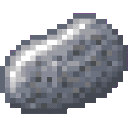
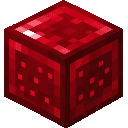
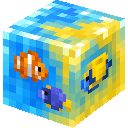
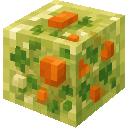
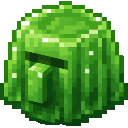
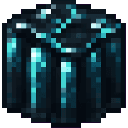
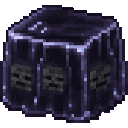
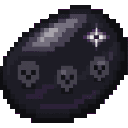
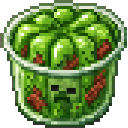
Gelatin Factory turns ordinary Minecraft blocks, foods, mobs, and dyes into a huge family of wobbly "jelly" items. Every jelly has two forms: a plain gelatinous chunk modeled after its source material, and a candy-like jellybean version. Beyond the item collection, the mod also adds jelly-themed building blocks, tools, armor, wands, a pet-spawning system, and a decorative billboard.
Most jellies and jellybeans are crafted the same way: combine Gelatin Mix with the item that inspired the jelly. Add Sugar to that same combination to get the jellybean variant instead of the plain jelly. This pattern applies across almost every material, food, dye, and mob-themed jelly in the mod, so once you learn one recipe you can guess most of the others.
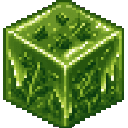
Building blocks like Jelly Block, Jelly Slab, and Jelly Stairs behave like normal building blocks and can be placed, stacked, and used to build structures just like stone or wood variants.
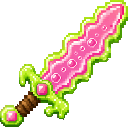
Jelly gear (sword, shield, armor pieces) can be worn or wielded like their vanilla equivalents. Wands are held and used like other wand-type items to trigger their effects.
The Jelly Cat and Dog spawn eggs are used like vanilla spawn eggs — right-click on a block or the ground to spawn the corresponding jelly pet.
Base ingredient:

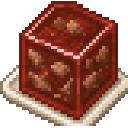
Jelly Block and building set:


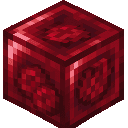

Gear and tools:

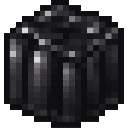
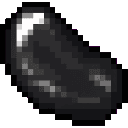







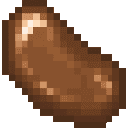


Pets: Craft Cat Jelly or Dog Jelly first, then use them to craft the spawn eggs:



Decoration:

Every other jelly and jellybean follows the "Gelatin Mix + source item" and "Gelatin Mix + Sugar + source item" pattern described above. Hover over any jelly or jellybean icon in your recipe book to see its exact ingredients.










































































































































This Java mod can be used on Windows and Mac PCs with the CreativeMode Launcher or any Minecraft launcher of your choice.

1. Download and install the new CreativeMode Launcher

2. Click to play on the top of the screen.
3. That's it — launches instantly. No complicated setup required.
Want to use on a different launcher? Download mod and manually install.
This mod is licensed under the CreativeMode Mods License.

