

Description
Stamp weapons and tools with Ember, Tide, Verdant, or Void names and glints—and polish them away.
Mod Wiki
Forgebound Tool Trims
Quickstart
- Craft an Ember Trim Stamp using its recipe:
- Use the stamp on a weapon or tool to give it an Ember-trimmed name and glint.
- To remove the trim, craft Trim Polish and use it on the trimmed item.
You can make the same kind of trim in Tide, Verdant, or Void. Their stamp recipes and the polish recipe are below.
Overview
Forgebound Tool Trims lets you customize weapons and tools with four themed finishes. Stamps apply a matching name and glint; Trim Polish removes the trim.
What It Adds
- Ember Trim Stamp
- Tide Trim Stamp
- Verdant Trim Stamp
- Void Trim Stamp
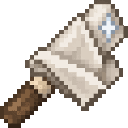
- Trim Polish
Trimmed versions are available for weapons and tools such as swords, axes, pickaxes, shovels, hoes, bows, crossbows, spears, tridents, maces, and shears.
How To Use
Use a trim stamp on the weapon or tool you want to mark. Its name and glint will match the stamp—for example, an Ember stamp gives it an Ember-trimmed finish.
Use Trim Polish on a trimmed item to remove the trim. The mod’s trims provide names and glints; they are for appearance rather than equipment upgrades.
Crafting And Obtaining
Craft stamps and polish in a crafting grid:
Ember Trim Stamp


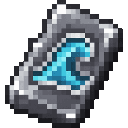
Tide Trim Stamp


Verdant Trim Stamp


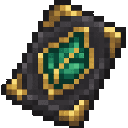
Void Trim Stamp


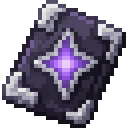
Trim Polish
How to install
This Java mod can be used on Windows and Mac PCs with the CreativeMode Launcher or any Minecraft launcher of your choice.

1. Download and install the new CreativeMode Launcher

2. Click to play on the top of the screen.
3. That's it — launches instantly. No complicated setup required.
Want to use on a different launcher? Download mod and manually install.
This mod is licensed under the CreativeMode Mods License.