

Description
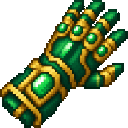
Lift blocks with an emerald gauntlet and hurl them at your enemies.
Mod Wiki
Emerald Levitation Gauntlet
Quickstart
- Craft the gauntlet at a crafting table, or find it in the Combat tab of the Creative inventory.
- Hold it in either hand and aim at a valid block within 8 blocks.
- Press and hold the Use Item control. The targeted block is removed and appears levitating in front of the gauntlet.
- Aim at your target, then release Use Item to hurl the block forward.
- Watch for the impact: the thrown block can damage entities and may settle when it lands.
For quick access, use:
/give @s emerald-levitation-gauntlet-cpyo5tiw:emerald_levitation_gauntlet_cpyo5tiw
Overview
The Emerald Levitation Gauntlet is a one-handed item that picks up blocks from a distance and launches them as projectiles. It carries one block at a time, displays the carried block while you hold the Use Item control, and throws it in the direction you are looking.
The original block is removed from the world when picked up. The gauntlet does not place it back automatically when you release the control; instead, it launches the block as a falling block.
What It Adds
| Content | Description |
|---|---|
| Emerald Levitation Gauntlet | A single-item block-lifting and block-throwing weapon |
| Block carrying | Stores one picked-up block on the gauntlet |
| Block projectiles | Launches the carried block forward with impact damage |
| Creative inventory entry | Found in the Combat item group |
How To Use
Pick Up a Block
- Equip the gauntlet.
- Aim at a block no more than 8 blocks away.
- Press and hold Use Item.
A valid block is removed from its position and loaded into the gauntlet. The carried block is shown in front of the gauntlet while the control is held.
Throw a Block
With a block loaded:
- Continue holding Use Item to keep the block levitating.
- Aim at an enemy or location.
- Release Use Item.
The block flies in your look direction with a slight upward lift. It can hurt entities when it collides or lands.
Important Restrictions
The gauntlet cannot pick up:
- Air
- Blocks containing block entities, such as storage or utility blocks with stored data
- Bedrock
- End portals
- End gateways
Only one block can be carried at a time. Throw the current block before attempting to pick up another.
After picking up or throwing a block, the gauntlet briefly enters a cooldown.
Crafting And Obtaining
Craft one Emerald Levitation Gauntlet with:


The item does not stack and can also be obtained from the Creative inventory or with the /give command shown in Quickstart.
Abilities And Mechanics
- 8-block pickup range: The gauntlet targets blocks within 8 blocks of the player.
- One-block capacity: Each gauntlet carries one block.
- Visible payload: The carried block appears in front of the gauntlet while Use Item is held.
- Directional launch: Thrown blocks travel in the direction the player is looking.
- Impact damage: The falling block can damage entities on collision or landing.
- Persistent load: A carried block remains stored on the gauntlet when you change hotbar slots or leave and return to the world.
- Single-item stack: The gauntlet has a maximum stack size of one.
- Enchantable weapon: It is recognized for durability, melee-weapon, and sharp-weapon enchantments.
Progression And Strategy
The mod centers on one versatile tool rather than a tiered progression system. Practice with common blocks first, then use the gauntlet tactically:
- Pick up blocks from a safe distance instead of approaching an enemy directly.
- Keep your aim on the target while holding the block, then release when aligned.
- Use terrain as ammunition, but remember that the original block disappears as soon as it is lifted.
- Avoid picking up valuable blocks until you are confident in your throw.
- Keep a second gauntlet or replacement blocks available if you plan to fight near structures you want to preserve.
How to install
This Java mod can be used on Windows and Mac PCs with the CreativeMode Launcher or any Minecraft launcher of your choice.

1. Download and install the new CreativeMode Launcher
2. Click to play on the top of the screen.
3. That's it — launches instantly. No complicated setup required.
Want to use on a different launcher? Download mod and manually install.
Players also liked
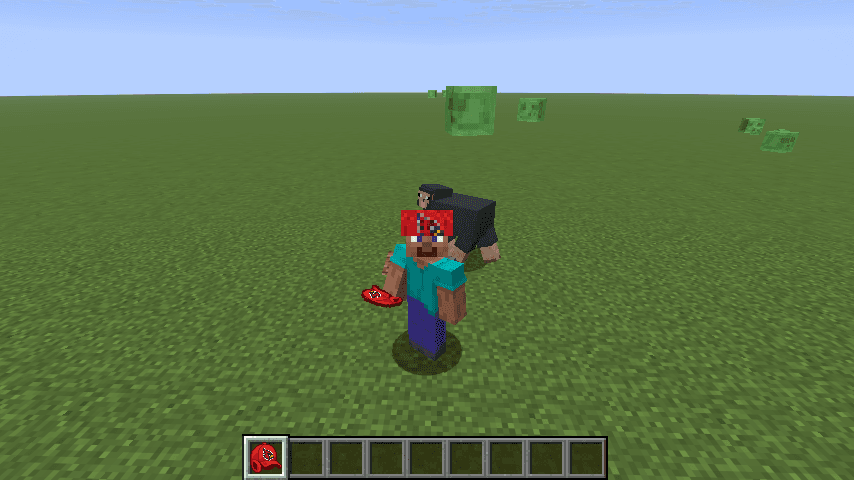
Redbird Peace Cap

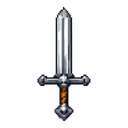
Wear the Redbird Peace Cap and nearby mobs stop attacking you—while sporting matching style.

Storm Staff


Charge 10 seconds to summon three blazing meteors and explosive lightning from above!
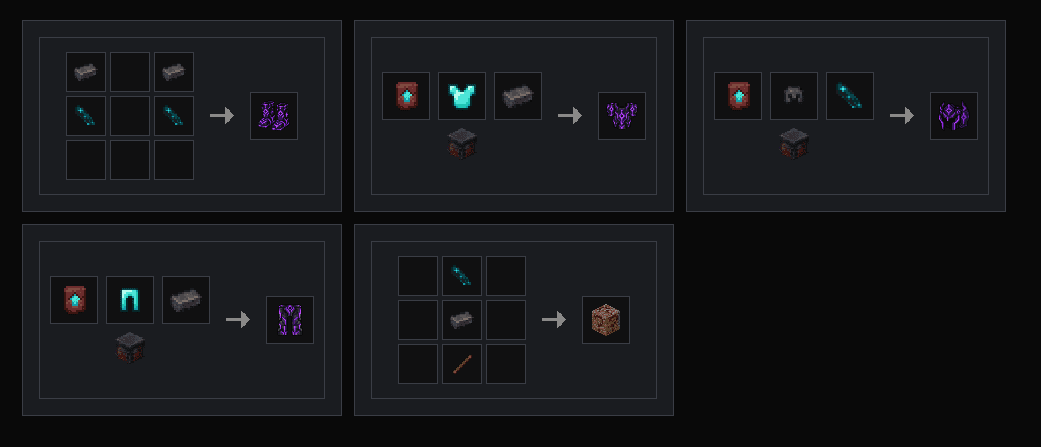
Voidsteel Arsenal

Forge Voidsteel armor and a fireproof sword from netherite and echo shards.
Obsidian Bedrock Fortune


Craft an unbreakable pickaxe that instantly breaks anything—even bedrock—and unleashes Fortune 100. A pickaxe capable of mining everything in the early game—even bedrock.
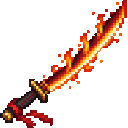
Crimson Flame Katana

Wield a magma-edged katana and unleash fiery bursts that briefly ignite nearby foes.
This mod is licensed under the CreativeMode Mods License.