

Description
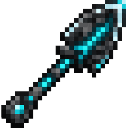
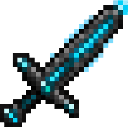
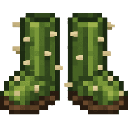
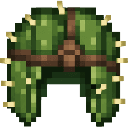
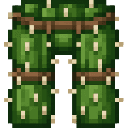
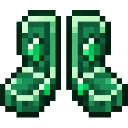
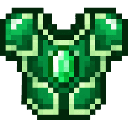
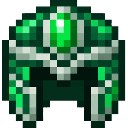
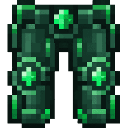
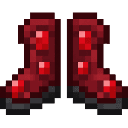
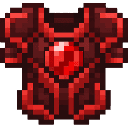
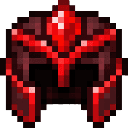
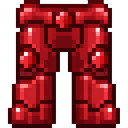
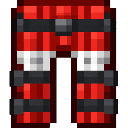
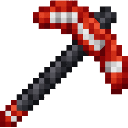
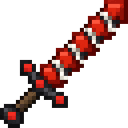
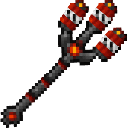
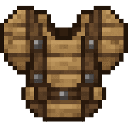
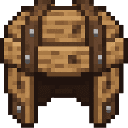
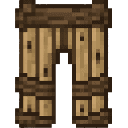
there will be custom weapons and amour: amour: warden amour, slime amour, wooden amour, emerald amour, ruby amour, tnt amour and catus amour. weapons: tnt trident, warden sword obsidan pick axe, bedrock bow that has aim bot.
Mod Wiki
Bedrock Warden Arsenal
Quickstart
- In Survival, use a crafting table and its recipe book to find the mod’s armor, weapons, and tools. Collect an ingredient for a recipe to unlock it in the book.
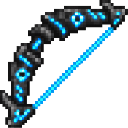
- Craft a Bedrock Bow and try it on a nearby mob. Use it like a bow: hold the use button to draw, then release to fire. It is described as having aim bot.
- Equip armor in the matching armor slots. Put weapons and tools on your hotbar and use them as you would their vanilla counterparts.
- In Creative, search the inventory for items such as Warden Sword, TNT Trident, or Obsidian Pickaxe to try them without crafting.
Overview
Bedrock Warden Arsenal is a collection of themed armor sets, weapons, and tools. Its items range from wooden and slime gear to Warden-, TNT-, and Void-themed equipment.
What It Adds
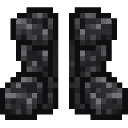
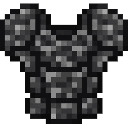
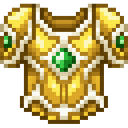
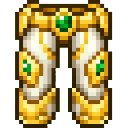
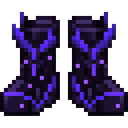
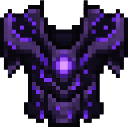
Armor sets have helmet, chestplate, leggings, and boots:
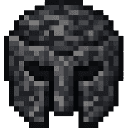
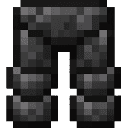
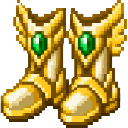
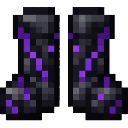
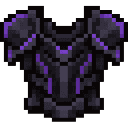
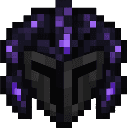
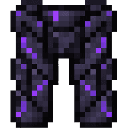
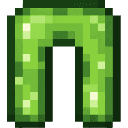
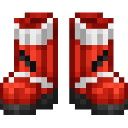
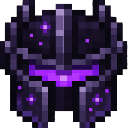
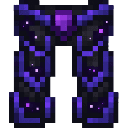
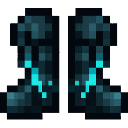
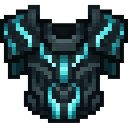
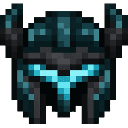
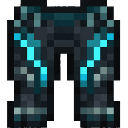
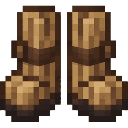
- Bedrock, Cactus, Emerald, Immortal, Obsidian, Ruby, Slime, TNT, Void, Warden, and Wooden armor.
Weapons and tools include:
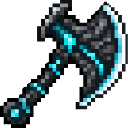
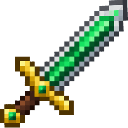
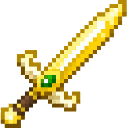
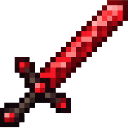
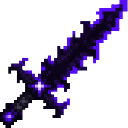
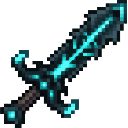
- Weapons: Bedrock Bow, TNT Trident, and Warden Sword.
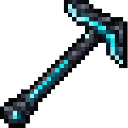
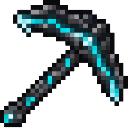
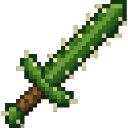
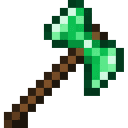
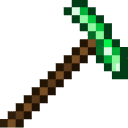
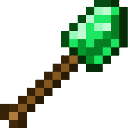
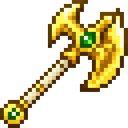
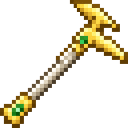
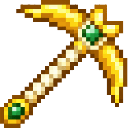
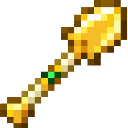
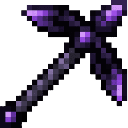
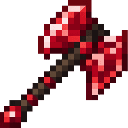
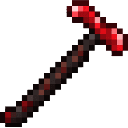
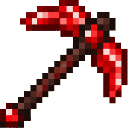
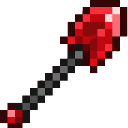
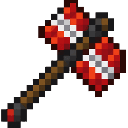
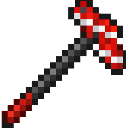
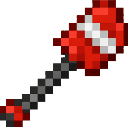
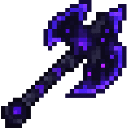
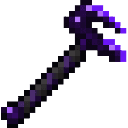
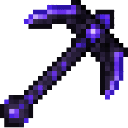
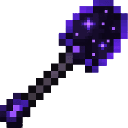
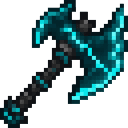
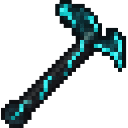
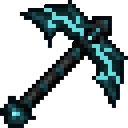
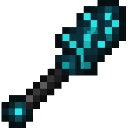
- Tools: Obsidian Pickaxe, plus themed tool sets such as Emerald, Ruby, Warden, Immortal, Void, TNT, and Cactus tools.
How To Use
- Armor: Equip each piece in its corresponding armor slot.
- Bedrock Bow: Draw and fire it at targets; try it in combat to see its aim assistance.
- Melee weapons: Hold a sword or other weapon and attack targets.
- Tools: Select the appropriate tool for the block or task, then use it as usual.
Crafting And Obtaining
Craft the mod’s recipes at a crafting table. Check the recipe book for the available armor pieces, weapons, and tools; recipe ingredients vary by item. In Creative, search for an item by its displayed name in the inventory.
Recipes



























How to install
Download the mod and follow the step-by-step installation guide.
This mod is licensed under the CreativeMode Mods License.