

Description
Orbital Nexus Station v25 gives each player a personal, upgradeable orbital station with a stronger sci‑fi aesthetic: the main hub has been refurbished with illuminated runway floors, tier‑colored trim, glass data panels, expanded ceiling lighting and console accents, and every room type (Oxygen Control, Power Core, Observatory, Recycler, Botany/Hydroponics, Storage, Workshop, Crew, Medbay, Armory, Engineering, Galley, Enchanting, Smeltery, Archive, ME storage/controller, tiny mob farm and template rooms) now features light grids, glass panels and technical wall accents while preserving all original functionality and protected environment rules. Use the Space Station Builder by right‑clicking to bind it to your account and start the warp countdown to create or teleport to your station; open the Station Terminal and Room Configuration Terminal to add rooms, manage upgrades, maintenance and per‑player permissions, and sneak‑right‑click the builder with experience to queue repairs — all mod blocks and items appear in the Orbital Nexus Station creative tab. The UI auto‑fits and supports dragging and resize handles for easier configuration, server operators get admin commands (/spacestation remove, rename, tp, list, reset, reload, wipe with preview/confirm/force) with confirmation safeguards and audit logging, and the mod now reports version 25.0.0.
Mod Wiki
Orbital Nexus Station
Quickstart
- In Creative, find the Space Station Builder in the Orbital Nexus Station tab. In Survival, craft it at a crafting table.
- Right-click with the Builder to bind it to your account and start the warp countdown. It creates your personal station on first use; use it again to travel back.
- At the hub, right-click the Station Terminal to manage your station. Use a Room Configuration Terminal at an expansion point to choose and add rooms.
- Explore the starter hub: it includes crop plots, saplings, beds, storage, and crafting and utility stations.
- To queue repairs, sneak-right-click with the Builder while you have experience.
Overview
Orbital Nexus Station gives each player a personal, upgradeable orbital base. Its illuminated hub connects to expandable rooms, with a sci-fi look featuring lit floors, glass panels, colored trim, and technical wall details. Station terminals provide management tools, and per-player permissions let you control who can use station features.
What It Adds
Room types include:
- Life support and growing: Oxygen Control, Botany/Hydroponics, Recycler
- Infrastructure and storage: Power Core, Engineering, Storage, ME storage/controller
- Work and resources: Workshop, Enchanting, Smeltery, Armory, tiny mob farm
- Crew and exploration: Crew, Medbay, Galley, Observatory, Archive
- Other: template rooms
The hub also has a central transit path and starter supplies and utilities to help you get established.
How To Use
- Space Station Builder: Right-click to bind and travel to your station; right-click again to return later. Allow the countdown to finish.
- Station Terminal: Right-click to manage station upgrades and per-player permissions.
- Room Configuration Terminal: Right-click to open room options and add rooms to the station.
- Maintenance Terminal: Use it to manage station maintenance.
- Room Deletion Core: Right-click to open the room deletion prompt, then confirm if you want to remove that room.
Station interfaces support dragging and resizing to help fit your screen. Access to management actions can depend on your station permissions.
Crafting And Obtaining
The Space Station Builder can be crafted at a crafting table or taken from the Orbital Nexus Station creative tab. Mod items and blocks are available in that tab as well.
Abilities And Mechanics
The Builder binds to your account and is the main way to travel to your personal station. The station grows as you add rooms, and its Station Terminal provides upgrade options ranging from basic through iron, gold, diamond, and netherite tiers.
Use the Builder while sneaking and with experience available to queue repairs. The station’s protected environment and permission controls help manage access and use.
Progression And Strategy
Start with the hub’s crops, storage, beds, and workstations, then add rooms to suit your needs. Check the Station Terminal for upgrade options and use the maintenance tools when repairs are needed.
Server operators can manage stations with /spacestation commands, including remove, rename, tp, list, reset, reload, and wipe. Wipe actions include preview and confirmation safeguards.
How to install
This Java mod can be used on Windows and Mac PCs with the CreativeMode Launcher or any Minecraft launcher of your choice.

1. Download and install the new CreativeMode Launcher

2. Click to play on the top of the screen.
3. That's it — launches instantly. No complicated setup required.
Want to use on a different launcher? Download mod and manually install.
Players also liked
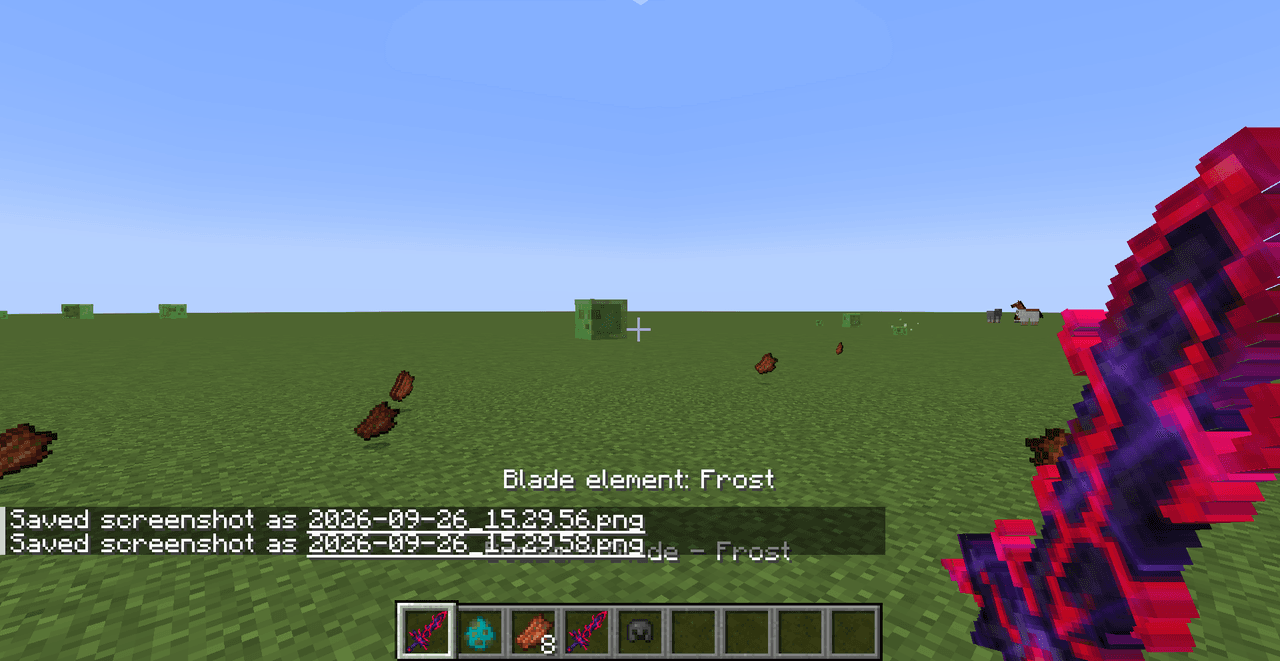
Bozzers Blade


Wield Bozzers Blade: chain criticals, switch elements, disarm foes, and prevent healing.

Shakury Fury Orb


Awaken Shakury with the Fury Orb, earn diamonds, and survive his monstrous rage.
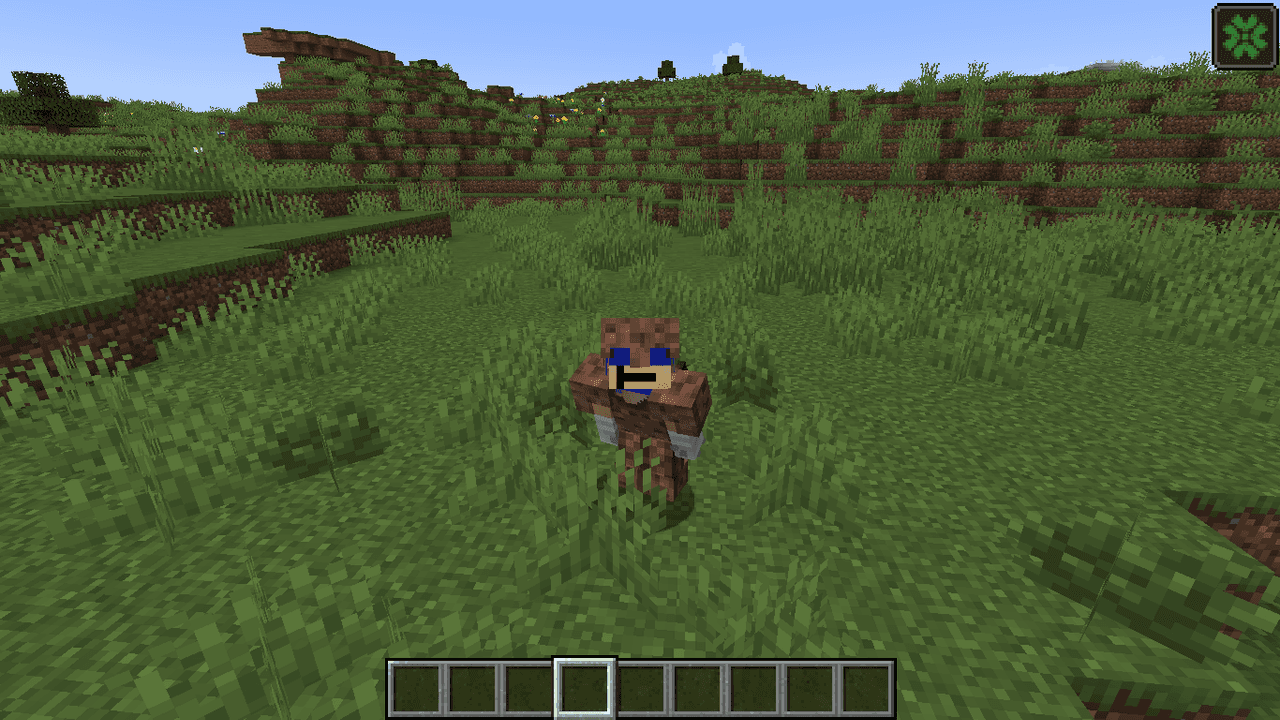
Dirt Royalty Armor

Become dirt royalty with armor that barely protects, breaks quickly, and grants Luck.

Lavaforge Blaster

The Lavaforge Blaster is a powerful weapon that fires scorching projectiles capable of turning the world into molten chaos. Right-click to shoot a fast-moving bolt that instantly converts any block it strikes into a lava source, and deals heavy magic damage to any mob it hits whi…

Blood Goliath


create a mob that looks like a creeper which has the following appearance: 'This creeper should be 2.5 times the size of normal creeper and have the same color scheme with red veins all over it.' and the following behavior/capabilities: 'The creeper should have a 4 times bigger e…
This mod is licensed under the CreativeMode Mods License.