
Description
Egypt Alive Blocks is a self-contained Minecraft Bedrock mod that adds a cohesive set of 22 hyper-realistic Egyptian-themed decorative stone blocks for building tombs, temples, shrines, ruins, and palace interiors. Each block uses a unique 1024×1024 carved, engraved, or relief-style texture in a unified palette of sandstone, limestone, worn stone, gold accents, muted lapis-blue and faded red, featuring motifs such as Akhenaten Nefertiti, Ankh, Anubis, Apophis, Bastet, Djed Pillar, Eye of Ra, Hathor, Horus, Isis, King Tut, Maat, Pharaoh Honored, Pharaoh Stone Block, Ptah, Scarab, Sekhmet, Set, Sobek, Thoth, Winged Sun Disk, and the Decrepit Angry Mummy Face. All blocks are full-cube, placeable decorative blocks available in the creative inventory under an Egyptian stone grouping, with consistent texture mapping, stone-like mining and blast resistance, and ready-to-use for building without extra commands or setup.
Mod Wiki
Egypt Alive Blocks
Quickstart
- Open your world with the mod installed (both the Behavior Pack and Resource Pack active).
- Open your inventory in Creative mode and navigate to the Construction tab.
- Scroll to the Stone group — all 22 Egyptian blocks appear there.
- Pick any block, place it in the world, and start building!
No crafting, commands, or extra setup is needed. Every block is ready to place immediately from the creative inventory.
Overview
Egypt Alive Blocks brings 22 hyper-realistic decorative stone blocks to Minecraft Bedrock, each depicting an iconic figure, symbol, or motif from ancient Egyptian mythology and history. The collection is designed as a cohesive building palette — every block shares a unified color scheme of warm sandstone, aged limestone, worn stone, gold accents, muted lapis-blue, and faded red, making it easy to mix and match blocks across large builds without clashing textures.
Whether you are constructing a grand pharaoh's tomb, a riverside temple, a desert ruin, or a palace interior, these blocks provide the detailed wall carvings and relief-style imagery to bring your Egyptian builds to life.
What It Adds
All 22 blocks are full solid cubes with stone-like properties. Each face of each block is covered by a unique high-resolution carved or engraved texture featuring its namesake motif.
| Block Name | Motif |
|---|---|
| Akhenaten Nefertiti | The royal couple rendered in relief |
| Ankh | The Egyptian symbol of life |
| Anubis | The jackal-headed god of the afterlife |
| Apophis | The serpent deity of chaos |
| Bastet | The cat goddess of home and protection |
| Djed Pillar | The ancient stability symbol |
| Eye of Ra | The powerful solar eye symbol |
| Hathor | The goddess of love, beauty, and music |
| Horus | The falcon-headed sky god |
| Isis | The goddess of magic and motherhood |
| King Tut | The likeness of the boy pharaoh Tutankhamun |
| Maat | The goddess of truth and justice |
| Pharaoh Honored | A revered pharaoh in ceremonial relief |
| Pharaoh Stone Block | A classic carved pharaoh stone motif |
| Ptah | The creator god and patron of craftsmen |
| Scarab | The sacred beetle of protection and rebirth |
| Sekhmet | The lioness goddess of war and healing |
| Set | The god of storms and the desert |
| Sobek | The crocodile god of the Nile |
| Thoth | The ibis-headed god of wisdom and writing |
| Winged Sun Disk | The solar disk with outstretched wings |
| Decrepit Angry Mummy Face | A weathered, fearsome mummified visage |
How To Use
- Finding blocks: All blocks are in the Construction → Stone group of the creative inventory. Search by name (e.g., "Anubis" or "Scarab") if you want to find a specific block quickly.
- Placing blocks: Select a block and right-click (or use your platform's place button) on any surface to place it. Blocks behave exactly like standard solid stone blocks — they have full collision and selection boxes.
- Mining blocks: Use a pickaxe for the fastest break time. All blocks have the same mining hardness as moderate stone (about 1.5 seconds by hand) and a moderate blast resistance, so they hold up well to explosions without being indestructible.
- Retrieving placed blocks: Breaking a placed block always drops itself, so you can freely reposition blocks during a build.
- Commands: Because these blocks are not hidden from commands, you can also give or place them using
/giveor/setblockwith their respective block names (e.g.,ankh,eye_of_ra,winged_sun_disk).
Abilities And Mechanics
These are purely decorative building blocks — they have no special gameplay abilities, no crafting recipes, and no interactive mechanics. Their value is entirely visual.
- Texture quality: Each block uses a 1024 × 1024 texture, giving carvings, hieroglyph-style details, and deity faces sharp definition even when viewed up close.
- Consistent palette: The sandstone/limestone tones and accent colors (gold, lapis-blue, faded red) are matched across all 22 blocks, so walls, floors, and pillars built from different blocks still read as a unified structure.
- Opaque rendering: All blocks are fully opaque — no transparency or cutouts — which keeps build performance clean and prevents lighting artifacts.
- Mining tool: Pickaxe required for efficient breaking. Blocks can be broken by hand but more slowly.
- Blast resistance: 6.0 — comparable to standard stone, resistant to most explosions.
Progression And Strategy
Because the blocks are creative-only decorative items, there is no survival progression tied to them. Here are some building tips to get the most out of the collection:
- Use deity blocks as wall panels. Place individual deity blocks (Horus, Isis, Anubis, etc.) as accent panels within larger walls of Pharaoh Stone Block or Pharaoh Honored for a temple-corridor look.
- Symbol blocks as floor medallions. The Ankh, Eye of Ra, Scarab, Djed Pillar, and Winged Sun Disk work especially well as centerpiece floor tiles or ceiling decorations surrounded by plainer stone.
- Creature blocks for atmosphere. Line the entrance to a tomb with alternating Anubis and Apophis blocks, or flank a shrine with Bastet and Sekhmet for a guardian aesthetic.
- Decrepit Angry Mummy Face is ideal for dungeon corridors, cursed ruin entrances, or any area meant to feel dangerous and ancient.
- Combine with vanilla sandstone and smooth stone for transitions between modded and unmodded areas — the warm sandy tones blend naturally with Minecraft's desert biome materials.
How to install
Download the mod and follow the step-by-step installation guide.
Players also liked
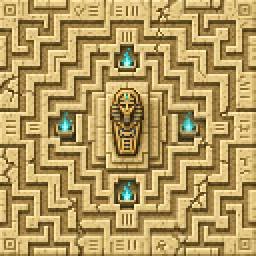
Daedalus Egyptian Labyrinth


Daedalus Egyptian Labyrinth is a placeable spawner block: place it to start a 15-second HUD countdown, after which the block consumes itself, clears a 60×60×5 area and generates a ruined Egyptian-style maze with 1‑block‑wide, 4‑block‑high corridors, a single entrance and opposite…
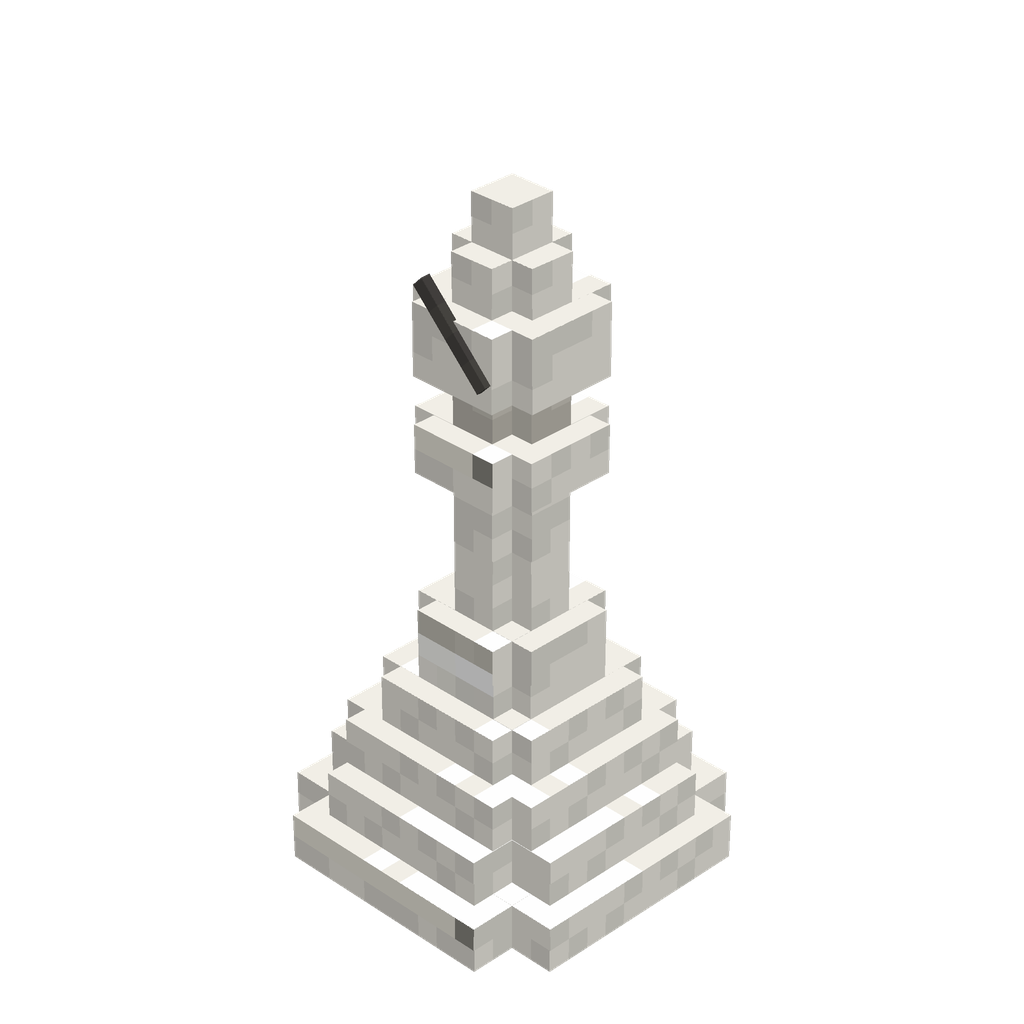
Chessbound Blocks


Chess piece blocks that can be moved around an 8 x 8 block chess board by interacting with them and then a legal destination block
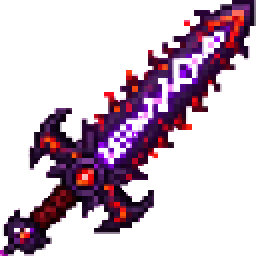


Echo Flame Blade


Echo Flame Blade is a sleek, glowing sword crackling with elemental energy that deals 6 points of damage and briefly blinds targets on each strike, surrounded by dynamic soul-and-portal particles. When you use the secondary action (right-click), it calls down a lightning bolt at…
This mod is licensed under the CreativeMode Mods License.