

Description
The Cursed Bucket is a drinkable item that inflicts ten of the worst status effects in Minecraft upon consumption. Right-click to drink the mysterious yellow liquid, and after a brief drinking animation, you'll be struck with Wither II, Poison II, Slowness IV, Mining Fatigue III, Weakness II, Blindness, Nausea, Hunger III, Bad Luck III, and Levitation II for varying durations. After drinking, the cursed bucket becomes an empty bucket in survival mode.
How to install
This Java mod can be used on Windows and Mac PCs with the CreativeMode Launcher or any Minecraft launcher of your choice.

1. Download and install the new CreativeMode Launcher
2. Click to play on the top of the screen.
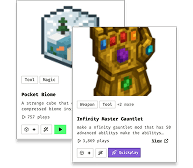
3. That's it — launches instantly. No complicated setup required.
Want to use on a different launcher? Download mod and manually install.
Players also liked
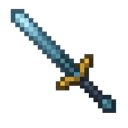
Aetherium Chainblade


The Aetherium Chainblade is a glowing Netherite sword whose segmented blade can snap out like a whip or unleash a devastating charged sweep. Left-click to slash in melee, right-click to lash enemies or blocks up to 10 blocks away at 75 % damage, and sneak + right-click to begin c…
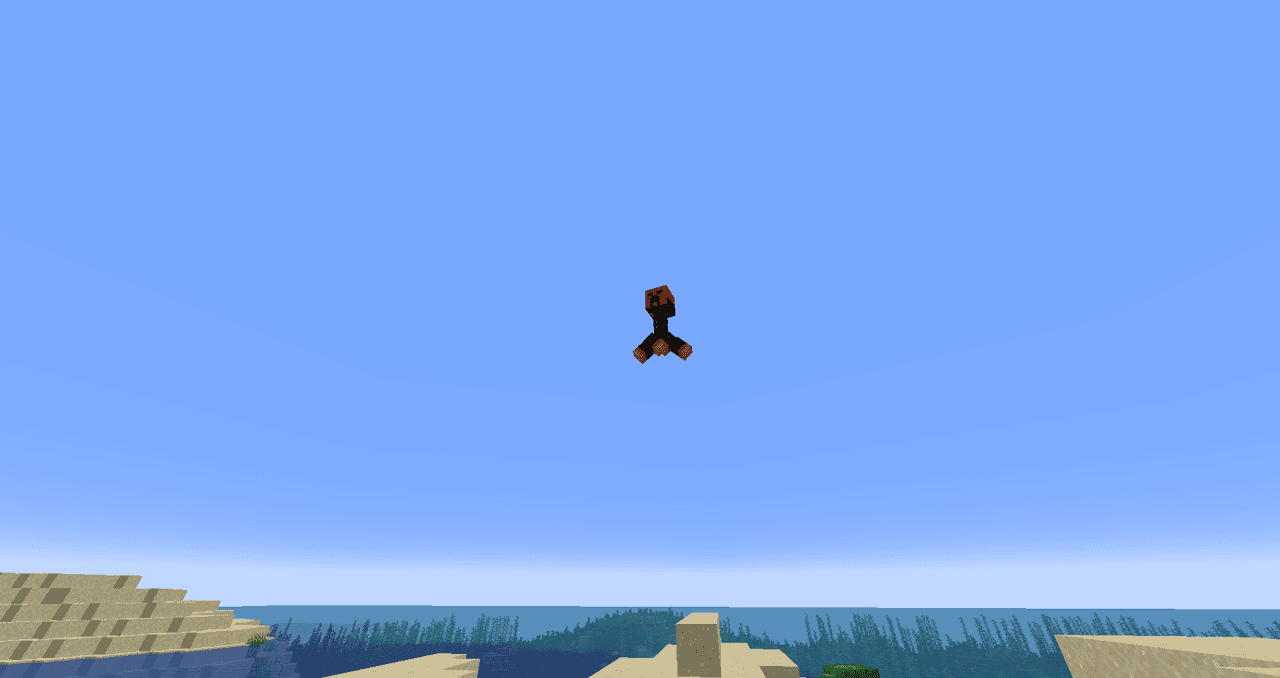
Crimson Sky Creeper


The Crimson Sky Creeper is a hostile, winged creeper with a blood-red head, black body, orange-yellow feet, and an eerie warning cry; when you come within about 16 blocks it warns, charges and leaps into the air, then flies toward the spot where you were and explodes on impact. I…
Reality Shard


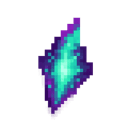
The Reality Shard is a glowing crystalline fragment that bends the very laws of Minecraft when held. Right-click to randomly transform all blocks within a 10-block radius into completely different materials, turning stone into sponge, water into lava, or trees into diamond blocks…
Darkweb Terminal


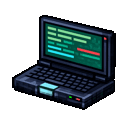
Sneaking while right-clicking a dealer opens the revamped dealer editor; using the "Pack" key converts a dealer into a custom spawn egg that stores their name, trade offers, assigned account, and any legacy skin data. When you purchase a dealer from the Mothership, the GUI closes…
Heartstealer Blade

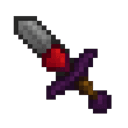
create a minecraft item that has the following description: 'Make a sword that steals a heart when you hit someone with it'
This mod is licensed under the CreativeMode Mods License.