CreativeMode

Creative
Mode

ExploreModJamsCreateJoin our community
Sign in
Craft first mod
CreativeMode

Creative
Mode

Sign in
Create
Account
Community
Resources

Create without limits.

Privacy PolicyTerms of Use

© 2026 CreativeMode. Not an official Minecraft product. Not approved by or associated with Mojang or Microsoft.

CREATIVEMODE

    Create
    Account
    Community
    Resources

    Create without limits.

    Privacy PolicyTerms of Use

    © 2026 CreativeMode. Not an official Minecraft product. Not approved by or associated with Mojang or Microsoft.

    CREATIVEMODE

    v7
    MC Java 1.21.5

    Black Hole Apocalypse

    by
    dimon0715
    dimon0715

    217 downloads

    Functional
    v7
    MC Java 1.21.5

    Black Hole Apocalypse

    by
    dimon0715
    dimon0715

    217 downloads

    Functional

    Description:

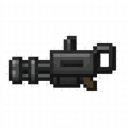
    The Black Hole Apocalypse item spawns a cosmic singularity when you right-click about 10 blocks ahead; it starts small and expands to roughly a 50-block radius, pulling in nearby entities, mobs, and items while gradually destroying blocks, and features a strong spiral-like core pull, a vivid accretion disk, a dark ash-filled core, intensified ambient effects, and layered audio for a cinematic experience. Sneak + right-click removes all active black holes within 500 blocks, server operators can clear nearby black holes with /blackhole delete, and the admin commands /blackhole grow (speed) and /blackhole forward (pull) let you adjust expansion speed and apply forward drift to individual black holes, with those settings saved to the black hole.

    How to install

    CreativeMode Launcher

    1. Download and install the new CreativeMode Launcher

    Click to play

    2. Click to play on the top of the screen.
    Launches instantly

    3. That's it — launches instantly. No complicated setup required.

    Install manually

    Download the mod and follow the step-by-step installation guide.

    Players also liked

    The Death Note – image 1
    319Java 1.21.5v3

    The Death Note

    Profile picture for ssamuraidsssamuraids100 Downloads

    The Death Note is a powerful book that lets you inflict deadly effects on players, mobs, bosses, and other entities by writing their display name. Hold the Death Note and press N to open its interface, type the target name and choose a death type (1: lightning, 2: fire, 3: poison, 4: 60-block fall). Entering a player’s name will affect that player anywhere on the server, while entering a mob or entity name applies the chosen effect to all matching entities within 200 blocks of you and within 100 blocks of any player.

    Functional · Weapon · Ranged · +10
    Smart Ar Glasses – image 1
    229Java 1.21.5v2

    Smart Ar Glasses

    Profile picture for open152open1525 Published Mods

    The Smart AR Glasses are an advanced wearable HUD you equip by right-clicking to automatically place them in your helmet slot; while worn they display your health, armor, hunger, time, and biome information in a sleek cyan-framed overlay. Look at blocks to scan their name, hardness and ore value, or at mobs and players to view health and entity type, and press G to toggle Ore Vision for an 8-block ore scan and counts of ores, ancient debris, and gilded blackstone. They now also grant Night Vision automatically while worn, and holding any block item or any spawn egg shows a holographic preview of the block or mob before you place or spawn it.

    Armor · Functional
    The Ore Scanner – image 1
    159Java 1.20.1v65

    The Ore Scanner

    Profile picture for theminecraftcontentcreatortheminecraftcontentcreator100 Downloads

    The Ore Scanner is a handheld tool designed to help you effortlessly locate valuable resources nearby. With a simple right-click, it opens an intuitive interface where you can initiate a scan to search a wide surrounding area for ores. Scan results are displayed in a clean, color-coded, scrollable list that shows exact coordinates for both Overworld and Nether ores. Connected blocks are intelligently grouped into vein entries, with the closest representative block shown, and up to 50 results are listed in order of distance. Selecting an entry pins it to your HUD, creating a clear tracking line and a matching glowing outline that remains visible through Sodium and Iris until the exact block is mined. The scanner works across all dimensions while respecting each dimension’s height limits, making it a reliable companion for efficient and precise resource hunting wherever your adventures take you.

    Functional
    Morpher Orb – image 1
    43Java 1.21.5v2

    Morpher Orb

    Profile picture for masteremeraldmasteremeraldCreativeMode Pro

    The Art Deco Morpher Orb lets you record mob kills and shapeshift into unlocked mobs — right-click the ornate orb to open its morpher GUI, choose or search a form (hover entries to view passive effects and whether it has a G-activated ability), click Revert to return to normal, and press G while morphed to use that form’s special power; your hitbox and size will match the chosen mob. A new ally-summon feature lets you call the selected unlocked form to fight by your side: while morphed and with that form unlocked on the orb, press the summon key (default H) to spawn a friendly, persistent version of the mob in front of you — summoned mobs are named allies, clear hostile targeting, and tameable types become your owned companions. The orb’s tooltip now explains the summon key so the feature is discoverable in normal play.

    Magic · magic · Functional · +2
    Chunkwatch Laser Turret – image 1
    84Java 1.20.1v1

    Chunkwatch Laser Turret

    Profile picture for guns67guns671 Hour Played

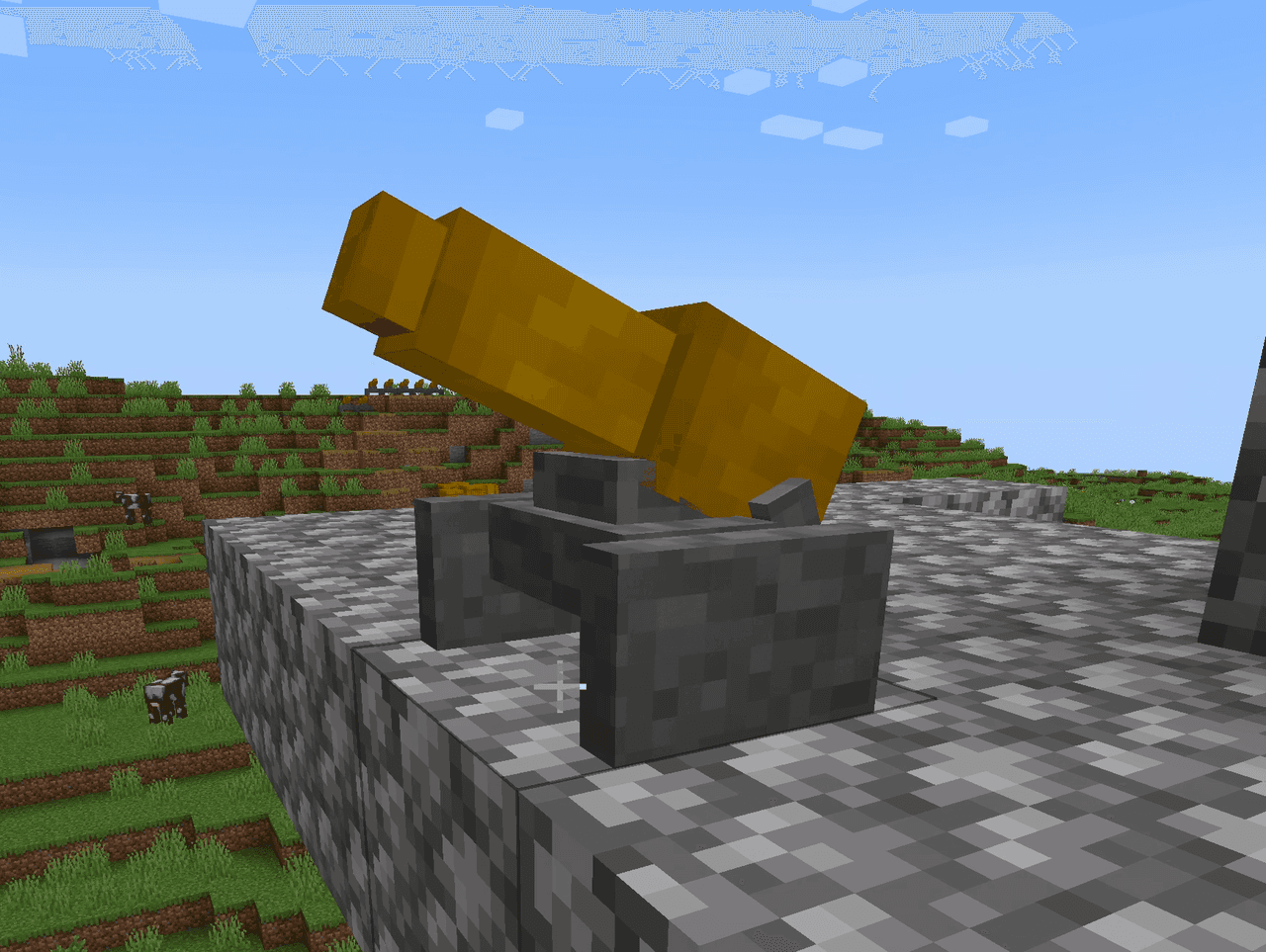
    The Laser Turret is a defensive block that automatically detects and attacks hostile mobs within the chunk where it's placed. Once activated by right-clicking, the turret will scan for any hostile creatures in the area and fire a red laser beam dealing 10 damage every 2 seconds until the target is eliminated or leaves the chunk. Right-click the turret again to deactivate it and stop it from firing.

    3D Model · Functional

    This mod is licensed under the CreativeMode Mods License.

    CreativeMode

    Creative
    Mode

    ExploreModJams
    Create
    Items or Blocks icon

    Items or Blocks

    Join our community
    Craft first mod
    CreativeMode

    Creative
    Mode

    Craft first mod